
A careful prompt starts with careful data choices.
ChatGPT can explain a difficult topic, rewrite a message, or help plan a project in seconds. That convenience can make the chat box feel private. It is safer to treat it as a public-facing technology tool unless you have checked the account, workspace, and privacy controls that apply to your use.
The following list explains the things never share with ChatGPT, why the data could create harm, and what to do instead. Policies, retention settings, and model features can change, so review current information from the provider before making a decision.
Start with a quick privacy check
Before using any chatbot, review its current data controls, retention choices, training options, and connected tools. Do not enter sensitive data just to test a feature.
1-3: Passwords, Codes, and Financial Information
1. Passwords and login credentials
Never share passwords, usernames paired with passwords, API keys, recovery phrases, or private access tokens. This data could give another person access to email, banking, cloud storage, or company tools. A chat history can also become part of a broader account or device security risk.
Use a password manager and describe the problem without the credential. For troubleshooting, replace the real value with [REDACTED].
Keep credentials in a dedicated password tool.
2. Security answers and authentication codes
Do not share one-time passwords, multifactor authentication codes, security questions, recovery links, or answers based on your life. These details can help someone bypass account protections or impersonate you.
Ask for general account-recovery steps instead. Use the official website or support number, and never copy a live code into a chat.

A live authentication code should stay private.
3. Financial and banking information
Keep bank account numbers, card numbers, PINs, tax details, payment links, loan records, and investment account information out of public chatbots. This financial information could support fraud, phishing, unauthorized payments, or identity theft.
Use your bank’s secure app or website. If you need help understanding a statement, remove account numbers, names, addresses, dates, and transaction identifiers first.
Banking details belong in secure financial platforms.
4-6: Identity, Health, and Location Details
4. Government identification numbers
Never share a Social Security number, passport number, driver’s license number, immigration number, or a photograph of an identification document. Combined with your name and address, this identifying information could enable identity theft or impersonation.
Use official government portals when a document is required. For a general question, remove identifying information and ask about the process, not your personal case file.

Redaction is safer than uploading an identity document.
5. Private health information
Keep medical records, prescription lists, test results, insurance numbers, patient names, and detailed symptoms linked to your identity out of a general chatbot. Health information is highly personal, and an incorrect model answer could also delay proper care.
Ask broad educational questions without identifying details. Contact a licensed clinician, pharmacist, emergency service, or insurer for personal advice.

General health education is different from personal medical care.
6. Precise location details
Do not share your home address, live location, regular commute, travel dates, access points, or details that show when a home will be empty. Location data can create personal-safety risks, especially when paired with a name, phone number, or image.
Use broad places and approximate times. Share exact location details only with trusted people or official services that need them.
Broad location context is often enough for a general answer.
7-9: Company Data, Trade Secrets, and Creative Works
7. Confidential work or business data
Do not paste internal emails, meeting notes, customer lists, contracts, pricing files, employee records, or company strategy into an unapproved chatbot. The data could conflict with a company policy, client promise, or legal duty of confidentiality.
Ask your company which tools are approved. Summarize the issue with invented names and figures, or use an enterprise tool configured by your security team.

Company information needs an approved handling process.
8. Trade secrets and unreleased plans
Source code, formulas, product designs, research, merger plans, and unreleased launch details may be trade secrets. Sharing them can weaken control, expose a company, or create disputes about confidentiality and ownership.
Use a secure internal review process. Remove names, unique numbers, and creative works intellectual property before requesting general editing or brainstorming help.

Do not trade convenience for control of valuable business data.
9. Unpublished creative works and intellectual property
Draft books, scripts, songs, artwork, research papers, inventions, and private designs may contain ideas you plan to protect. A model may not provide the ownership or confidentiality terms you assume, and uploading a work can complicate later decisions.
Keep the original files private. Request help with a short, generic sample, and read the terms of the platform and any contract that governs the work.

Use a short generic sample when possible.
Create a safe workplace prompt rule
Give your team a simple rule: remove names, credentials, client records, unique figures, and unreleased plans before using AI tools. Ask security or legal staff to approve exceptions.
10-12: Other People, Private Messages, and Intimate Content
10. Personal information about other people
Do not share a friend’s phone number, a child’s school, a coworker’s performance record, a client’s address, or another person’s identifying information. The person may not have agreed to the disclosure, and the data could create privacy, safety, or workplace issues.
Ask for consent when appropriate. Replace names and details with neutral labels such as “Client A” or “Family Member B.”

Protect other people’s information as carefully as your own.
11. Private conversations and messages
Private texts, direct messages, emails, recordings, and screenshots can reveal relationships, opinions, addresses, and conflict. Sharing them may break trust or expose information that was never meant for a model, company, or reviewer.
Describe the situation in your own words. If exact wording matters, remove names, contact details, timestamps, and distinctive phrases.

A summary can preserve the question without exposing the conversation.
12. Intimate images or messages
Never upload intimate images, sexual messages, private videos, or content involving a minor. This material can cause severe personal-safety, legal, emotional, and reputational harm. Consent does not always cover sharing with a third-party AI service.
Keep intimate material offline or in a trusted secure system. If abuse or image-based exploitation is involved, contact a qualified support service or law-enforcement organization.

Do not upload intimate content to seek routine editing or analysis.
13-15: Legal Material, Harmful Plans, and Impersonation Risks
13. Confidential legal information
Do not paste an attorney’s advice, privileged communications, case strategy, settlement documents, or a complete dispute record into a general chatbot. The risks may include loss of confidentiality, misunderstanding, or a poor decision based on incomplete model output.
Ask general questions with fictional facts. For a real matter, speak with a licensed attorney and follow the secure system recommended by that professional.

General information is not a substitute for legal advice.
14. Illegal or harmful plans
Never use ChatGPT to develop plans for violence, fraud, exploitation, malware, evasion, or other harmful acts. Such prompts could put people at risk, violate platform rules, and create legal or reputational problems.
For a safety concern, step away from the plan and contact emergency services or an appropriate qualified organization. For defensive security work, use an authorized lab and approved professional tools.
Use technology for prevention, defense, and lawful problem solving.
15. Information that enables impersonation
A full name, birthday, address, employer, family names, school history, signatures, voice samples, and social profiles can combine into an impersonation profile. This information may help fraudsters pass security checks or create convincing messages.
Remove identifying information before asking for a biography, profile, or message. Use placeholders and keep a short public profile separate from private identity records.
A few ordinary details can become powerful when combined.
What to Do Instead Before You Start a Chat
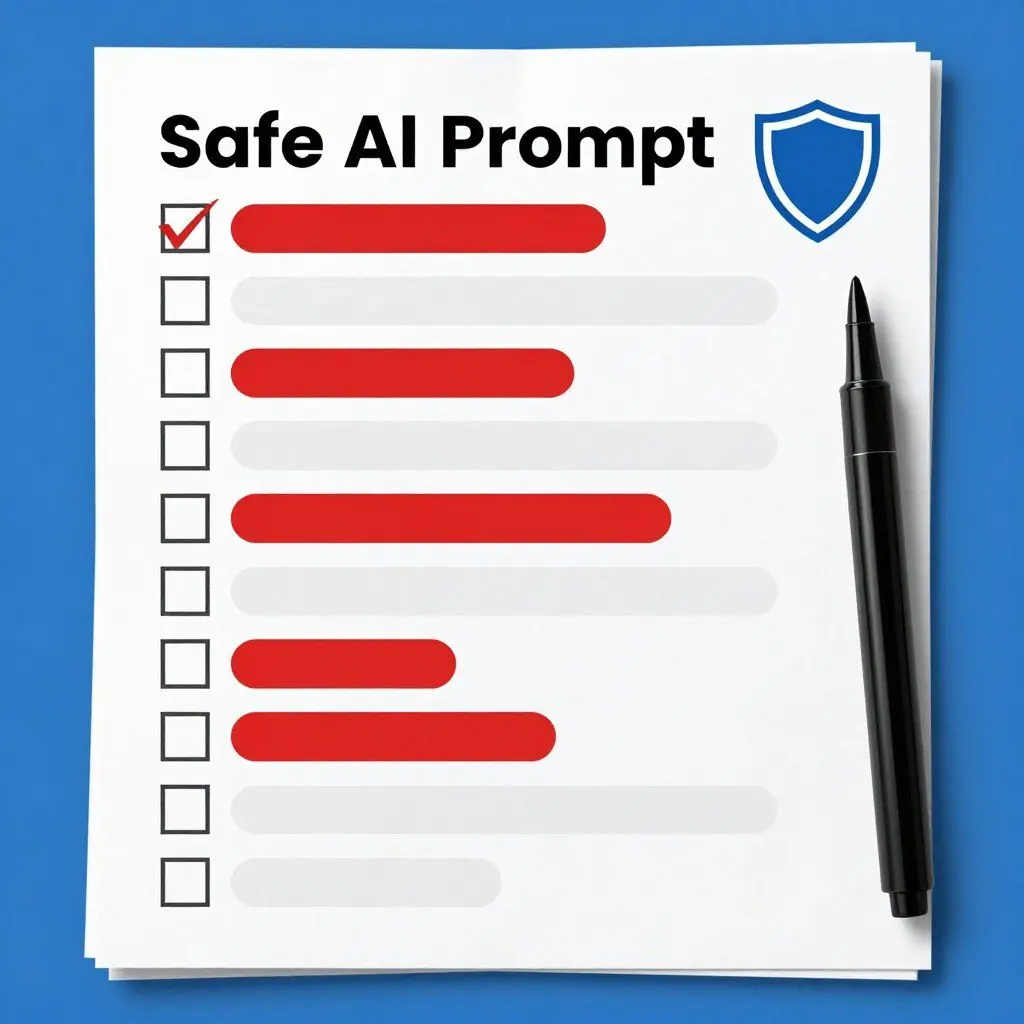
Redact first, then write the prompt.
1. Remove identifying information
Delete names, addresses, phone numbers, account numbers, dates of birth, record numbers, faces, signatures, and unique details. Replace them with labels. Check the prompt, uploaded files, images, and chat history.
- Use fictional names.
- Round or alter figures.
- Crop unnecessary document areas.
- Confirm that hidden metadata is removed.
Settings and policies can change over time.
2. Check the current controls
Review privacy, retention, training, memory, shared-link, and connected-tool settings. Check whether a personal account or company workspace applies. Do not assume that one setting protects every chat or upload.
- Read the current provider guidance.
- Review connected applications.
- Delete old chats when suitable.
- Ask your company about approved platforms.

Use the right tool for the sensitivity of the task.
3. Match the tool to the risk
A general model may be suitable for a public fact or a fictional draft. It may not be suitable for regulated records, secrets, credentials, or personal advice. Use secure banking, health, legal, government, or company systems when they are designed for that purpose.
- Choose an official channel.
- Limit access to necessary users.
- Keep originals in controlled storage.
- Ask a qualified professional when stakes are high.
Get a practical privacy checklist
Use this article as a starting point for a personal or workplace review. If you collect an email for a downloadable checklist, explain exactly what is sent, how often, and how the address is handled.
A Simple Prompt Safety Checklist
Before pressing send, pause for a short review. Ask whether the prompt contains sensitive data, personal information about other people, or details that could identify a person or company. Consider whether the same answer can be obtained with a fictional example.
- Public facts and general questions
- Fictional names and sample numbers
- Short redacted excerpts
- Public documents you have permission to use
Safer to use
- Passwords, codes, and access tokens
- Health, banking, or government records
- Company secrets and client information
- Private messages or intimate content
Stop and review
Frequently Asked Questions About Never Share ChatGPT
Is ChatGPT always unsafe?
No. The risk depends on the tool, account, settings, data type, access controls, and purpose. Public or general chatbots should not be treated as secure storage for sensitive data. Review current policies before use.
Can I use ChatGPT for work?
Many companies use approved AI tools with rules, access controls, and review processes. Follow your company policy. If no policy exists, ask security, privacy, or legal staff before submitting company information.
What if I already shared sensitive data?
Stop adding more information. Review account settings, delete the conversation if appropriate, change exposed passwords, contact the affected bank or company, and seek qualified privacy or security advice. If someone faces immediate danger, contact emergency services.
Conclusion: Use Chatbots Without Giving Away Control

Good AI use begins with a clear boundary around private data.
The safest rule is simple: do not place anything in a chatbot that you would not want exposed, retained, reviewed, or connected with your identity. That includes credentials, financial information, health records, confidential company material, private conversations, intimate content, and details that could help impersonation.
Redact what you can. Use secure official tools when the task involves high-risk data. Review current account and platform settings because technology, policies, and training features change. This article is general information, not legal, medical, financial, or cybersecurity advice. When the stakes are serious, contact a qualified professional or official organization.