

Finding quality educational content for your children shouldn’t mean emptying your wallet or wading through questionable websites. Whether you’re a parent seeking engaging after-school activities, a teacher looking for classroom supplements, or a homeschooler building your curriculum, the internet offers an incredible wealth of free learning resources—if you know where to look.
The challenge isn’t the lack of educational websites; it’s the overwhelming abundance of them. Which platforms are truly free? Which ones align with educational standards? Are they safe for children? Will your kids actually enjoy using them?
We’ve done the heavy lifting for you. This comprehensive guide features 50 vetted, completely free educational websites for kids that excel in quality, safety, and engagement. Each platform has been evaluated for educational value, age-appropriateness, and user experience. From preschoolers learning their ABCs to middle schoolers tackling algebra, these resources cover every subject and skill level.
Never Miss a Great Educational Resource
Join 50,000+ parents and educators who receive our weekly newsletter featuring new websites, learning activities, and educational tips tailored to your child’s age.
Best Free Educational Websites for All Ages
These versatile platforms offer content spanning multiple grade levels and subjects, making them perfect for households with children of different ages or classrooms with diverse learning needs. Each website provides comprehensive educational experiences that grow with your child.
PBS Kids
Ages: 2-8 years
Subjects: Reading, Math, Science, Social-Emotional Learning
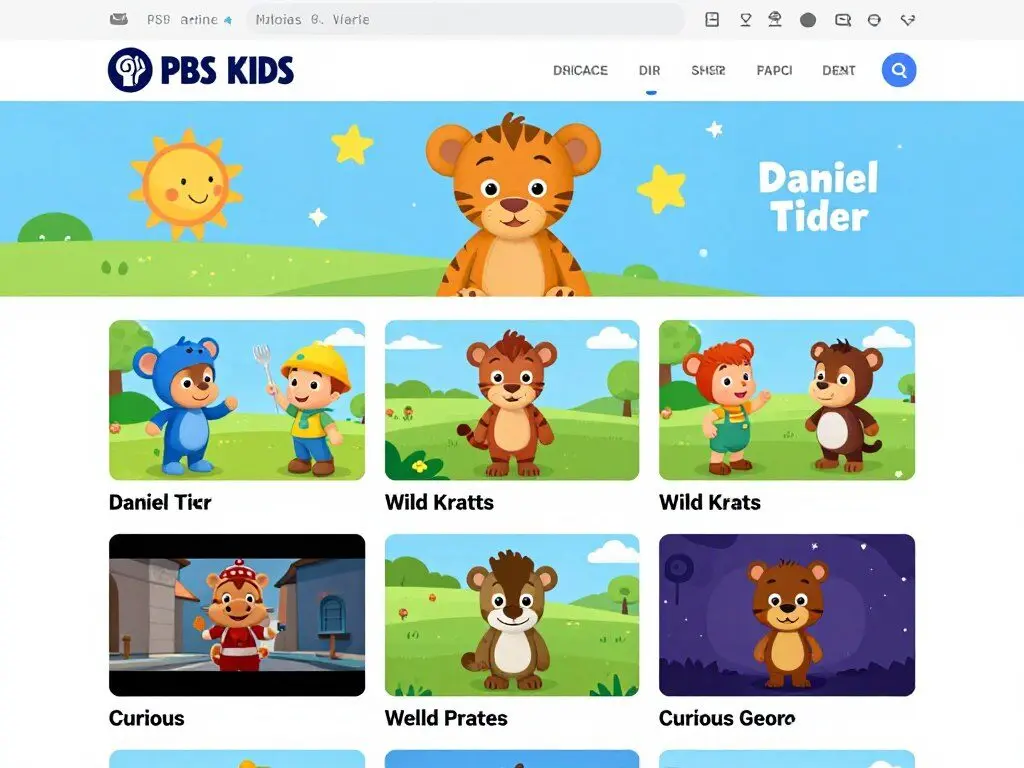
PBS Kids transforms beloved television characters into powerful learning tools. The website features hundreds of educational games aligned with early learning standards, covering everything from letter recognition to basic coding concepts. Each activity reinforces skills introduced in PBS programming while maintaining the entertainment value children expect.
Key features include:
- Over 200 free games organized by curriculum area
- Full episodes of educational shows available on-demand
- Mobile apps for learning on-the-go
- Parent resources with activity ideas and developmental guides
- Ad-free, safe browsing environment
Parents appreciate PBS Kids for its educational rigor combined with engaging content. The platform regularly updates with new games tied to current programming, ensuring fresh content that keeps children interested while building foundational skills.
Khan Academy Kids
Ages: 2-8 years
Subjects: Reading, Math, Logic, Creative Expression
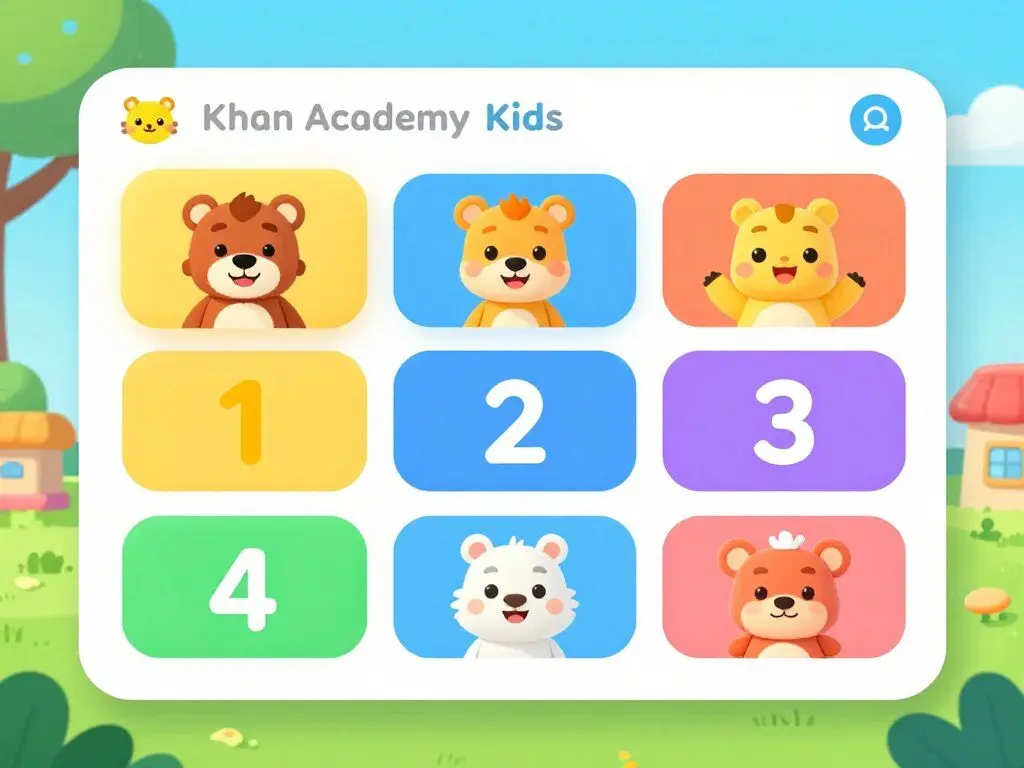
Khan Academy Kids delivers a comprehensive early learning curriculum completely free of charge—no ads, no subscriptions, no hidden costs. Developed by education experts and backed by research, this platform offers thousands of interactive activities that adapt to each child’s learning pace.
Standout features include:
- Personalized learning paths that adjust to individual progress
- Thousands of lessons covering phonics, reading, writing, math, and social-emotional development
- Original books and characters created specifically for the platform
- Offline mode for learning without internet connection
- Detailed progress tracking for parents and educators
What sets Khan Academy Kids apart is its sophisticated adaptive technology wrapped in a playful, child-friendly interface. Children feel like they’re playing games while systematically building skills across all developmental domains.
National Geographic Kids
Ages: 6-14 years
Subjects: Science, Geography, Animals, History, Culture
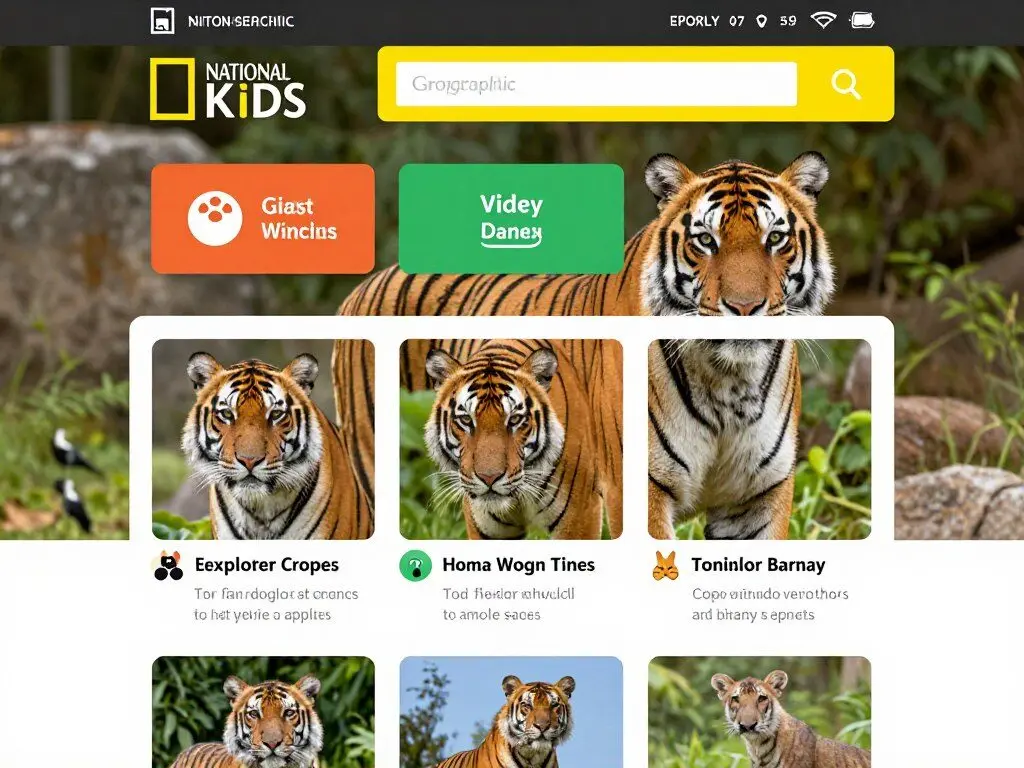
National Geographic Kids brings the wonder of the natural world to your computer screen with stunning photography, engaging videos, and interactive content that sparks curiosity about our planet. This platform excels at making complex scientific and geographic concepts accessible and exciting for young learners.
Popular features include:
- Extensive animal encyclopedia with photos, videos, and fascinating facts
- Geography games and quizzes covering countries, capitals, and cultures
- Science experiments and activities to try at home
- Age-appropriate articles on current environmental topics
- Interactive maps and exploration tools
The website masterfully balances entertainment with education, using National Geographic’s world-class photography and storytelling to create memorable learning experiences. Children develop geographic literacy, environmental awareness, and scientific curiosity through exploration-based learning.
Funbrain
Ages: PreK-8th grade
Subjects: Math, Reading, Problem-Solving
Funbrain has been a trusted name in educational gaming since 1997, offering hundreds of free learning games that make skill practice feel like pure entertainment. The platform organizes content by grade level, making it easy to find age-appropriate activities that align with what children are learning in school.
Core offerings include:
- Over 100 games covering math concepts from counting to pre-algebra
- Reading games that build vocabulary, comprehension, and grammar skills
- Original e-books featuring popular characters like Diary of a Wimpy Kid
- Educational videos and interactive activities
- Printable activities for offline learning
Teachers frequently recommend Funbrain for homework practice and early finisher activities because the games genuinely reinforce classroom learning while keeping students engaged and motivated.
Starfall
Ages: PreK-3rd grade
Subjects: Reading, Phonics, Math
Starfall revolutionized early literacy instruction by making phonics practice accessible and engaging through systematic, research-based activities. The completely ad-free platform focuses on building foundational reading and math skills through multisensory learning experiences.
Key components include:
- Sequential phonics lessons teaching letter sounds and blending
- Talking books that highlight words as they’re read aloud
- Math activities covering counting, addition, subtraction, and number sense
- Seasonal content connecting learning to real-world contexts
- Downloadable resources for continued practice offline
Many kindergarten and first-grade teachers integrate Starfall into daily instruction because its systematic approach complements traditional reading programs while providing engaging independent practice opportunities.
ABCya
Ages: PreK-6th grade
Subjects: All Core Subjects
ABCya offers over 400 educational games organized by grade level and subject area, making it effortless to find activities that match your child’s current learning needs. The platform’s teacher-created games ensure educational value while maintaining high entertainment standards.
Notable features include:
- Games organized by grade level (PreK through 6th)
- Categories including letters, numbers, strategy, skill, and holiday themes
- Typing games that build keyboarding skills
- Art and creativity tools for open-ended exploration
- Regular addition of new games based on educational trends
ABCya strikes an excellent balance between explicit skill practice and creative problem-solving activities, supporting both directed learning and exploratory discovery.
Top Free Math Websites for Kids
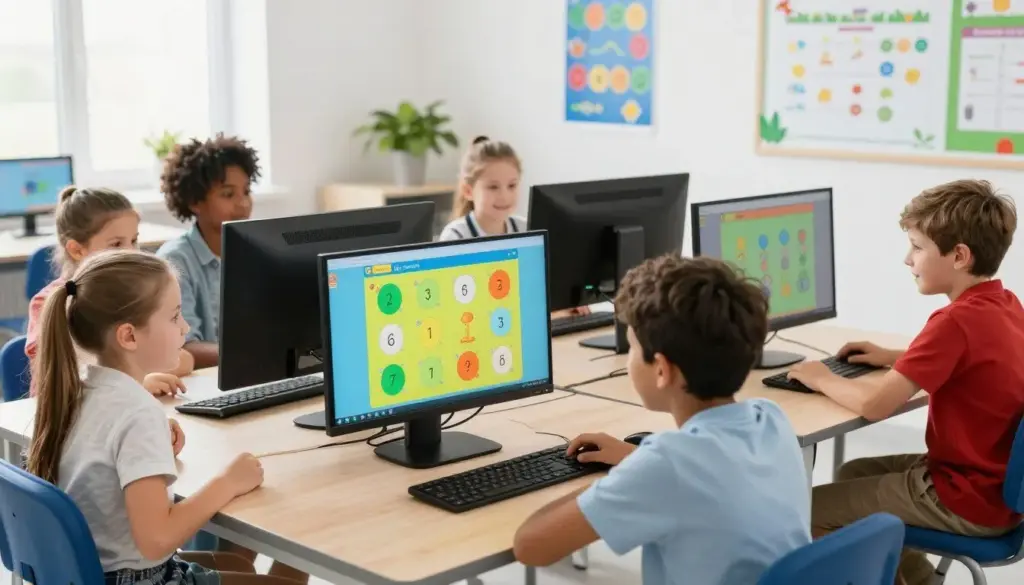
Mathematics often presents the biggest challenge for young learners, but these free math websites transform abstract concepts into engaging, interactive experiences. From basic counting to advanced algebra, these platforms make math practice something children actually look forward to.
Prodigy Math
Ages: 6-14 years (1st-8th grade)
Format: Fantasy RPG game with embedded math practice
Prodigy Math disguises rigorous math practice as an epic fantasy adventure game where children battle monsters, collect pets, and explore magical worlds—all by solving grade-appropriate math problems. This award-winning platform adapts questions to each student’s skill level, providing just-right challenge without frustration.
Game mechanics include:
- Curriculum-aligned questions covering 1,400+ math skills
- Adaptive difficulty that adjusts to individual performance
- Character customization and world exploration rewards
- Teacher dashboard for tracking student progress
- Multiplayer modes for collaborative problem-solving
Parents report that Prodigy motivates even math-reluctant children because the game elements are genuinely engaging, not just window-dressing on worksheets. Children willingly practice math for extended periods without realizing they’re studying.
Cool Math Games
Ages: 8-18 years
Format: Logic puzzles, strategy games, and skill-based challenges
Despite its name, Cool Math Games offers far more than traditional math problems. This platform focuses on developing logical thinking, spatial reasoning, and strategic planning through games that require mathematical thinking without feeling like explicit math practice.
Popular game categories:
- Strategy games requiring planning and pattern recognition
- Logic puzzles developing critical thinking skills
- Physics-based games teaching concepts through experimentation
- Number games building mental math fluency
- Coding and programming introductory activities
Teachers appreciate Cool Math Games for building problem-solving stamina and perseverance—skills essential for mathematical success beyond rote computation.
Math Playground
Ages: 6-12 years (1st-6th grade)
Math Playground offers hundreds of math games, logic puzzles, and problem-solving activities that build computational fluency and mathematical reasoning. The platform’s strength lies in its variety—offering everything from basic arithmetic practice to complex word problems.
- Skill-specific games for every elementary math concept
- Word problem generators with step-by-step solutions
- Thinking blocks for visualizing math problems
- Logic games building reasoning skills
Khan Academy
Ages: 5+ (Kindergarten through College)
Khan Academy provides comprehensive math instruction from basic arithmetic through calculus and beyond—all completely free. The platform’s video lessons break down complex concepts into understandable chunks, while practice exercises provide immediate feedback.
- Complete curriculum for every grade level
- Video tutorials explaining every concept
- Adaptive practice exercises
- Progress tracking and mastery goals
SplashLearn
Ages: 4-10 years (PreK-5th grade)
SplashLearn transforms math practice into colorful, game-based adventures that maintain motivation through rewards and progression systems. The curriculum-aligned content ensures children practice exactly what they need while having fun.
- Over 4,000 math skills covered
- Personalized learning paths
- Game-based format maintaining engagement
- Detailed parent reports
Related Resource: Looking for hands-on math activities? Check out our collection of printable math games and manipulatives that complement these digital resources perfectly.
Best Free Reading and Language Arts Websites

Strong literacy skills form the foundation for all academic success. These free educational websites make reading instruction engaging through interactive stories, phonics games, and vocabulary-building activities that support every stage of literacy development.
Storyline Online
Ages: 4-10 years
Format: Celebrity read-aloud videos
Storyline Online brings children’s books to life through videos of famous actors reading beloved stories with enthusiasm and expression. Each book includes thoughtfully illustrated animation that enhances comprehension while maintaining the integrity of the original artwork.
Library features include:
- Over 60 books read by professional actors and celebrities
- High-quality production values with animated illustrations
- Supplemental activity guides for extended learning
- Closed captioning supporting emerging readers
- New books added regularly throughout the year
Reading specialists praise Storyline Online for modeling fluent reading and demonstrating how expression and pacing enhance comprehension. The platform serves as both an independent reading option and a valuable tool for teaching read-aloud strategies.
Seussville
Ages: 3-8 years
Format: Interactive games and activities based on Dr. Seuss books
Seussville immerses children in the whimsical world of Dr. Seuss while building phonemic awareness, rhyming skills, and vocabulary. The platform capitalizes on children’s love for these classic characters to motivate literacy practice.
Available activities include:
- Rhyming games featuring favorite Dr. Seuss characters
- Letter recognition and phonics activities
- Reading comprehension games based on story plots
- Creative writing prompts inspired by Seussian themes
- Printable activities for offline engagement
The playful approach to literacy skills makes Seussville especially effective for reluctant readers who might resist more traditional practice methods.
ReadWorks
Ages: 6-12 years (K-6th grade)
ReadWorks provides an extensive library of reading passages with comprehension questions, supporting students at every reading level. The research-based approach builds both decoding skills and reading comprehension through carefully scaffolded texts.
- Thousands of leveled reading passages
- Question sets assessing comprehension
- Vocabulary supports within texts
- Non-fiction and literature selections
Fun Fonix
Ages: 4-8 years
Fun Fonix specializes in phonics instruction through interactive games and printable worksheets. The systematic approach to letter sounds and blending prepares children for successful independent reading.
- Sequential phonics lessons
- Interactive sound-matching games
- Customizable worksheet generators
- Reading practice activities
Grammaropolis
Ages: 6-12 years
Grammaropolis makes grammar engaging by personifying parts of speech as superhero characters. Through songs, videos, and games, children learn to identify and use grammatical structures correctly.
- Character-based grammar instruction
- Catchy educational songs
- Interactive games reinforcing concepts
- Lesson plans for educators
Building a Complete Learning Library?
Download our free guide featuring 25 additional literacy activities, reading comprehension strategies, and book recommendations organized by reading level.
Outstanding Free Science Websites for Kids

Science education comes alive through these interactive platforms that transform abstract concepts into hands-on exploration. These websites foster scientific curiosity while building foundational knowledge across biology, chemistry, physics, and earth sciences.
Mystery Science
Ages: 5-11 years (K-5th grade)
Mystery Science makes elementary science instruction effortless through ready-to-teach lessons built around intriguing questions that spark curiosity. Each mystery begins with an engaging question that children genuinely want to answer, then systematically builds scientific understanding.
Lesson components include:
- Open-and-go lessons requiring minimal prep time
- High-quality video content explaining scientific concepts
- Hands-on activity suggestions using household materials
- NGSS-aligned curriculum covering all science domains
- Discussion prompts encouraging scientific reasoning
Teachers appreciate Mystery Science’s ability to deliver rigorous science content in an accessible format that maintains student engagement from start to finish.
NASA Kids Club
Ages: 6-14 years
NASA Kids Club brings space exploration into your home through games, videos, and activities developed by actual NASA scientists and engineers. Children explore authentic space science while engaging with the agency’s real missions and discoveries.
Featured content includes:
- Interactive games teaching space science concepts
- Real images and videos from space missions
- Age-appropriate explanations of complex topics
- STEM career profiles inspiring future scientists
- Downloadable activities and projects
The connection to real space exploration captivates children’s imaginations while building understanding of physics, astronomy, and engineering principles.
Science Bob
Ages: 6-14 years
Science Bob, created by a science teacher who has appeared on numerous TV shows, offers easy-to-follow science experiments using household materials. The website emphasizes hands-on learning through safe, engaging experiments that demonstrate scientific principles.
Resources include:
- Step-by-step experiment instructions with photos
- Video demonstrations showing proper techniques
- Scientific explanations in kid-friendly language
- Science fair project ideas and guides
- Q&A section answering common questions
Parents love Science Bob for making home science experiments accessible without requiring expensive equipment or specialty materials.
Smithsonian Learning Lab
Ages: 8+ years
The Smithsonian Learning Lab provides access to millions of digital resources from the world’s largest museum and research complex. Students can explore authentic artifacts, scientific specimens, historical documents, and art pieces while building their own learning collections.
- Over 1 million digital resources from Smithsonian collections
- Tools for creating personalized learning collections
- Interactive exhibits and virtual tours
- Educational videos and primary sources
BioMan Biology
Ages: 10-14 years
BioMan Biology makes complex biological concepts accessible through interactive games and virtual labs. The platform covers everything from cell structure to genetics, using game mechanics to reinforce scientific understanding.
- Virtual lab simulations requiring no equipment
- Games teaching biology concepts through play
- Quizzes assessing understanding
- Comprehensive coverage of middle school biology
The Exploratorium
Ages: 6+ years
The Exploratorium, San Francisco’s renowned science museum, offers hundreds of activities exploring science, art, and human perception. The hands-on approach encourages experimentation and discovery.
- Interactive science activities
- Videos exploring scientific phenomena
- At-home experiment instructions
- Connections between science and art
Earthquakes for Kids (USGS)
Ages: 8-14 years
The U.S. Geological Survey’s earthquake education website teaches children about seismology through animations, real-time earthquake data, and interactive features explaining how earthquakes occur and are studied.
- Earthquake animations and simulations
- Real-time earthquake tracking maps
- Scientific explanations for children
- Safety information and preparedness
Cells Alive
Ages: 10+ years
Cells Alive offers interactive cell biology instruction through animations, microscopy images, and educational games. The platform makes microscopic life visible and understandable for students.
- Animated cell processes
- Interactive microscopy images
- Educational quizzes and games
- Detailed cellular explanations
Best Free Art and Creativity Websites for Kids
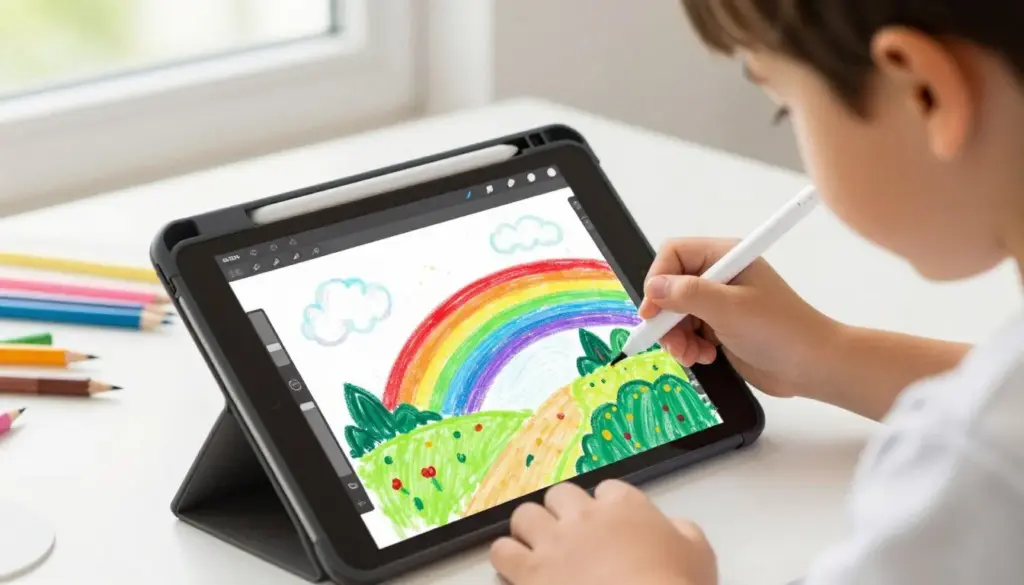
Creative expression is essential for well-rounded development. These free educational websites provide tools and inspiration for young artists, musicians, and creative thinkers to explore and develop their artistic talents.
Art Hub for Kids
Ages: 4-12 years
Art Hub for Kids offers hundreds of step-by-step drawing tutorials taught by an enthusiastic art teacher and his children. The easy-to-follow videos make drawing accessible to children of all skill levels while building confidence and technique.
Tutorial features include:
- Over 1,000 drawing tutorials for all skill levels
- Step-by-step video instruction with pause capability
- Popular subjects from animals to cartoon characters
- Seasonal and holiday-themed projects
- Community gallery showcasing student work
Parents appreciate how Art Hub for Kids makes art instruction accessible without requiring their own artistic skills. Children gain confidence as they successfully complete projects.
NGA Kids (National Gallery of Art)
Ages: 6-14 years
The National Gallery of Art’s children’s website introduces famous artworks while providing interactive tools for creating original art. Children explore art history and develop their own creative voice through engaging activities.
Creative tools include:
- Digital art creation tools
- Interactive games exploring art concepts
- Famous artwork explorations
- Style and technique lessons
- Virtual gallery for sharing creations
Art educators value NGA Kids for connecting art creation with art appreciation, helping children understand both the making and meaning of art.
Highlights Kids
Ages: 2-12 years
Highlights Kids, from the beloved children’s magazine, offers games, puzzles, jokes, crafts, and creative activities. The platform encourages creative thinking, problem-solving, and humor while providing hours of engaging content.
Popular sections include:
- Interactive stories and read-alongs
- Hidden picture puzzles
- Crafts and recipes to make together
- Jokes and riddles
- Science experiments and activities
Families love Highlights Kids for its wholesome, screen-based entertainment that stimulates creativity without overstimulating children.
Chrome Music Lab
Ages: 6+ years
Chrome Music Lab makes learning music accessible through interactive web experiments exploring rhythm, pitch, harmony, and composition. No musical background is required to create, experiment, and learn.
- Interactive tools exploring musical concepts
- Song creation experiments
- Visual representations of sound
- No account or download required
Tate Kids
Ages: 6-14 years
Tate Kids, from Britain’s famous Tate museums, offers art-making activities, quizzes about famous artworks, and opportunities to share creations in a moderated online gallery. The platform connects children with contemporary and classical art.
- Art-making challenges and prompts
- Artist profiles and art history
- Interactive art games
- Student art gallery
Free Coding and Technology Websites for Kids

Coding literacy is increasingly essential in our digital world. These free educational websites introduce programming concepts through engaging, age-appropriate activities that build computational thinking skills without requiring prior experience.
Code.org
Ages: 4-18 years
Code.org has introduced millions of students to computer science through its Hour of Code activities and comprehensive curriculum. The platform makes coding accessible regardless of prior experience or access to technology.
Course offerings include:
- Hour of Code activities featuring popular characters
- Full computer science curriculum for grades K-12
- Block-based coding for beginners
- Text-based programming for advanced students
- Teacher resources and professional development
Schools nationwide use Code.org because it provides structured, standards-aligned computer science education that requires no prior teacher expertise in coding.
Scratch
Ages: 8-16 years
Scratch, developed by MIT, empowers children to create their own interactive stories, games, and animations while learning computational thinking. The visual programming language makes coding intuitive and creative rather than intimidating.
Platform features include:
- Block-based programming eliminating syntax errors
- Project remixing and sharing capabilities
- Extensive tutorial library
- Global community of young creators
- Free forever with no ads
Educators appreciate Scratch for making programming accessible while teaching genuine computer science concepts that transfer to text-based languages.
Tynker
Ages: 5-17 years
Tynker provides guided coding courses, creative challenges, and project-based learning experiences. The gamified progression system keeps students motivated while building real programming skills.
Learning paths cover:
- Visual coding fundamentals
- Game design and development
- Robotics and physical computing
- Python and JavaScript programming
- Minecraft modding and Roblox creation
Free accounts provide access to substantial content, with the option to upgrade for more comprehensive courses.
Kodable
Ages: 4-10 years
Kodable introduces programming concepts to young children through adorable characters and game-based learning. The curriculum progression moves from pre-reading activities to JavaScript fundamentals.
- Pre-reader friendly interface
- Sequential programming concepts
- Game creation tools
- Classroom-ready lessons
CS First by Google
Ages: 9-14 years
CS First provides free computer science curriculum using Scratch-based projects. The themed units connect coding to students’ interests, from sports to fashion to social media.
- Complete themed coding units
- Video-based instruction
- Interest-driven project themes
- Teacher implementation guides
Want More Tech Learning Resources?
Get our monthly STEM newsletter featuring coding tutorials, robotics projects, and digital citizenship lessons your kids will actually enjoy.
Free Typing and Digital Literacy Websites
Keyboarding skills and digital literacy are foundational for academic success in modern education. These websites make learning to type engaging while building proper technique and speed.
TypingClub
Ages: 6+ years
TypingClub offers a comprehensive typing curriculum with gamification elements that make practice addictive in the best way. The progressive lessons build proper finger placement and typing technique from the ground up.
- Over 650 typing lessons and games
- Proper finger positioning instruction
- Speed and accuracy tracking
- Achievement system maintaining motivation
Typing.com
Ages: 6+ years
Typing.com provides free typing instruction with an emphasis on proper technique and progressive skill building. The curriculum adapts to individual learning pace while tracking improvement over time.
- Structured typing curriculum
- Timed tests measuring progress
- Digital literacy lessons
- Teacher classroom management tools
Dance Mat Typing
Ages: 6-10 years
BBC’s Dance Mat Typing uses friendly animated characters to teach touch typing to young children. The four-level program systematically introduces keyboard rows while making practice fun.
- Child-friendly animated instruction
- Progressive skill building
- British and American keyboard layouts
- No account required
Best Free Foreign Language Websites for Kids

Early language exposure builds cognitive flexibility and cultural awareness. These free educational websites make foreign language learning accessible through games, songs, and interactive lessons.
Duolingo
Ages: 8+ years
Languages: 40+ options
Duolingo gamifies language learning through bite-sized lessons that feel like playing a game. The adaptive system adjusts difficulty while maintaining motivation through achievement systems and friendly competition.
Key features include:
- Comprehensive curriculum from beginner to advanced
- Speaking, listening, reading, and writing practice
- Immediate feedback and explanations
- Achievement system and streak tracking
- Stories for reading comprehension practice
Language teachers often supplement classroom instruction with Duolingo for additional practice and student motivation.
Gus on the Go
Ages: 2-6 years
Languages: 30+ options
Gus on the Go introduces young children to foreign languages through an adorable owl character who travels the world. The app-based learning focuses on vocabulary building through games and activities.
Learning activities include:
- Vocabulary lessons with native speaker pronunciation
- Interactive games reinforcing word recognition
- Cultural context through travel themes
- No reading required (perfect for pre-readers)
- Multiple difficulty levels
Parents appreciate Gus on the Go for making language exposure natural and pressure-free for very young children.
BBC Languages
Ages: 8+ years
BBC Languages offers free courses in multiple languages with video content, interactive activities, and cultural information. The courses balance language skills with cultural understanding.
- Video lessons with native speakers
- Interactive practice activities
- Cultural context lessons
- Vocabulary builders
Digital Dialects
Ages: 6+ years
Digital Dialects provides free language learning games for over 80 languages. The simple game-based approach focuses on vocabulary and phrase recognition through interactive practice.
- Extensive language options
- Simple game-based learning
- Vocabulary focus
- Cultural information included
Conjuguemos
Ages: 10+ years
Conjuguemos specializes in verb conjugation practice for Spanish, French, German, and other languages. The game-based activities make grammar practice more engaging than traditional worksheets.
- Comprehensive verb conjugation practice
- Vocabulary games
- Grammar exercises
- Classroom integration tools
Specialized Free Learning Websites for Kids
Beyond core academics, these platforms offer learning opportunities in specialized subjects from physical fitness to current events, supporting well-rounded development.
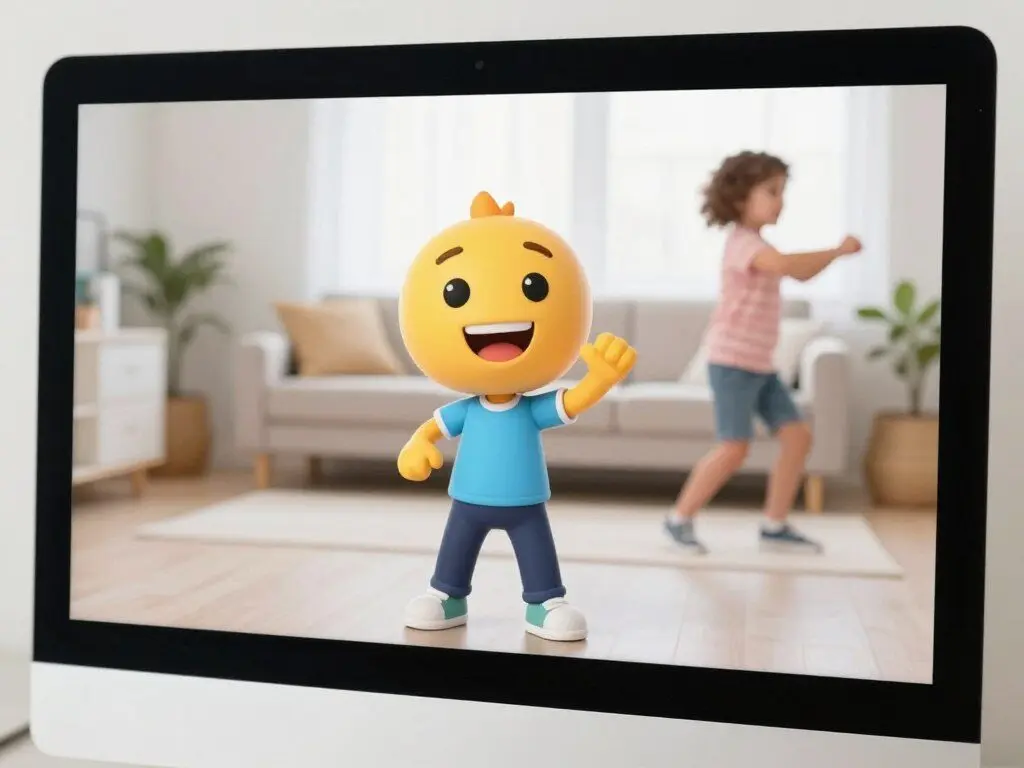
GoNoodle
Ages: 5-12 years
Focus: Physical Activity and Mindfulness
GoNoodle gets kids moving with dance videos, yoga, mindfulness exercises, and active games. Perfect for movement breaks during learning sessions or transitions between activities.
- Dance and movement videos
- Mindfulness and breathing exercises
- Energizing activities for focus
- Calming activities for transitions
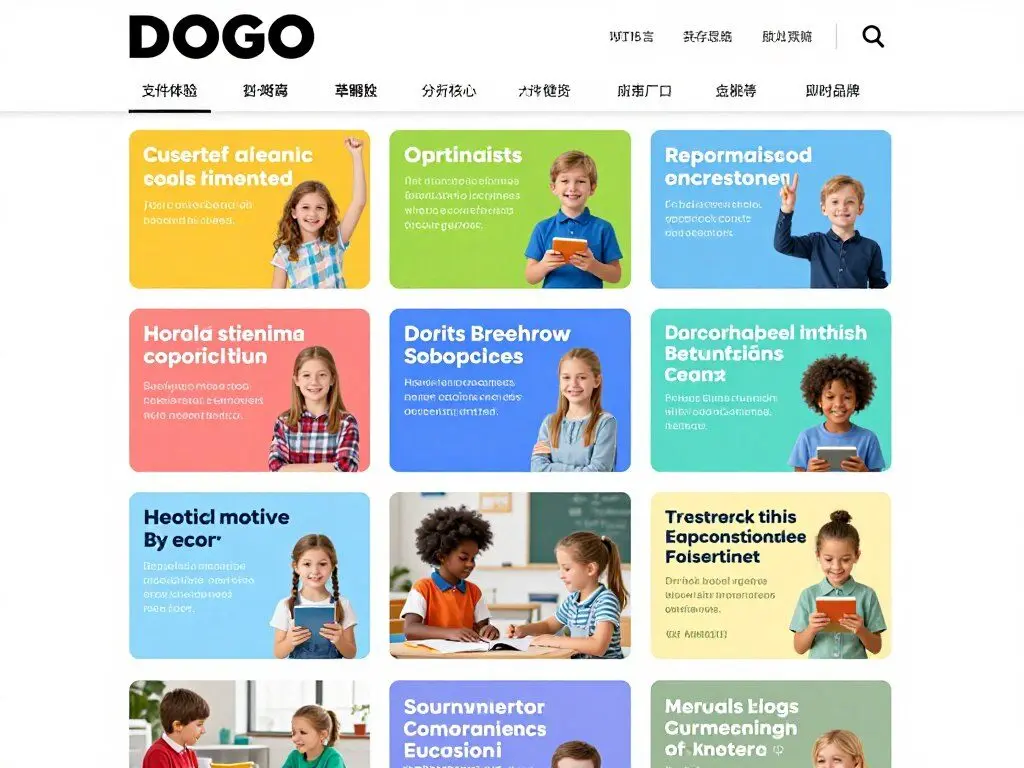
DOGOnews
Ages: 8-14 years
Focus: Current Events and News Literacy
DOGOnews presents current events in age-appropriate language, helping children develop news literacy and understand world affairs. Articles cover science, social studies, civics, and entertainment.
- Daily current event articles
- Critical thinking discussion questions
- Comprehension quizzes
- Student comments fostering discussion
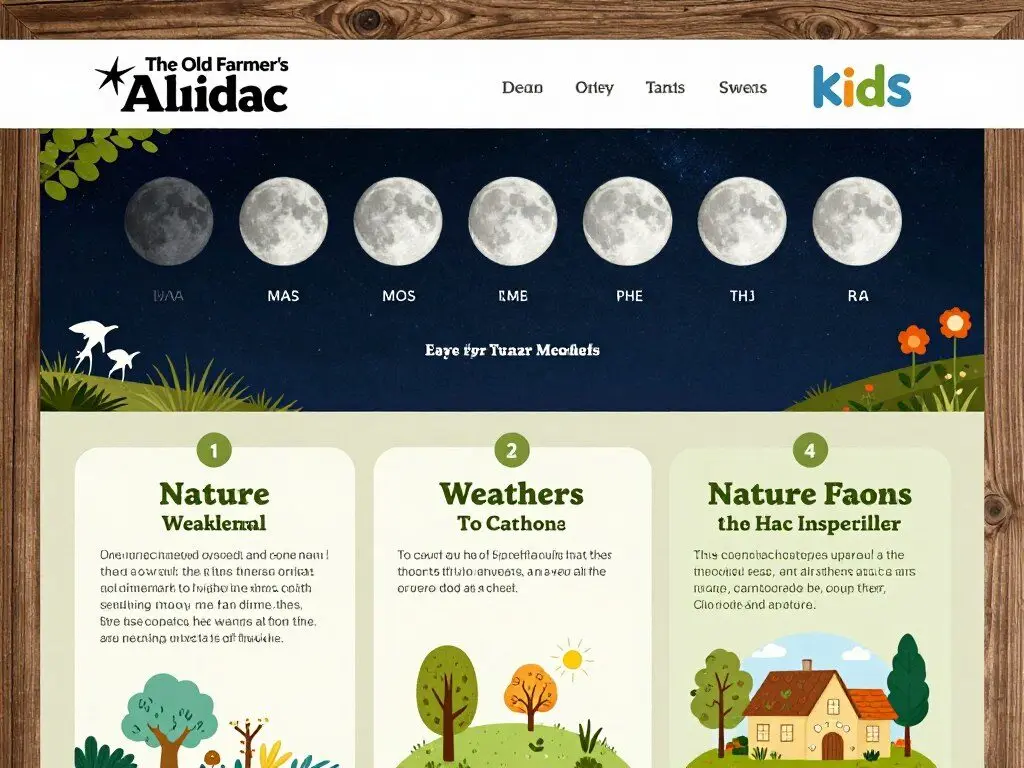
The Old Farmer’s Almanac for Kids
Ages: 6-12 years
Focus: Nature, Weather, and Seasonal Learning
This classic almanac offers kids’ versions of weather information, moon phases, fun facts, seasonal activities, and historical tidbits connecting children to natural cycles and seasons.
- Moon phase calendars
- Weather facts and phenomena
- Seasonal activities and crafts
- Historical facts and trivia
Google Earth
Ages: 6+ years
Focus: Geography and Virtual Exploration
Google Earth transforms geography into adventure through virtual globe exploration, 3D terrain viewing, and historical imagery. Children can visit any location on Earth and beyond.
- Virtual travel to any location worldwide
- 3D terrain and building viewing
- Historical imagery comparisons
- Voyager guided tours and stories
The Story Starter
Ages: 8+ years
Focus: Creative Writing
The Story Starter generates random creative writing prompts to overcome writer’s block and spark imagination. Perfect for reluctant writers who need inspiration to begin.
- Millions of random story starters
- Kid-friendly version available
- Genre-specific prompts
- No account required
Free Virtual Field Trips and Experiences
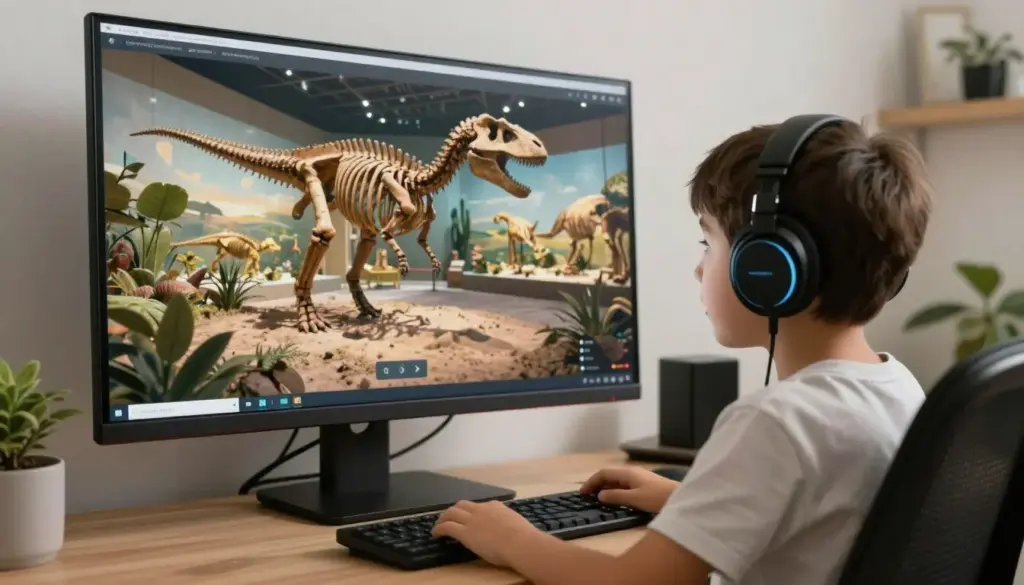
Virtual experiences bring the world to your home, offering field trip opportunities without the travel costs. These platforms provide immersive learning through museum tours, live animal cams, and cultural experiences.
San Diego Zoo Live Cams
Ages: All ages
Watch real-time footage of animals from the San Diego Zoo and Safari Park. Multiple cameras provide different perspectives on animal habitats, behaviors, and zoo operations.
- Multiple live animal cameras
- Real-time wildlife observation
- Educational information about species
- Behind-the-scenes zoo views
Google Arts & Culture
Ages: 8+ years
Explore thousands of museum collections and cultural sites through virtual tours, high-resolution artwork viewing, and interactive exhibits from institutions worldwide.
- Virtual museum tours
- High-resolution artwork viewing
- Cultural heritage explorations
- Educational games and puzzles
Discovery Education Virtual Field Trips
Ages: 6-14 years
Discovery Education offers immersive virtual field trips to locations and experiences typically inaccessible to students, from archaeological digs to space centers.
- Live and recorded virtual trips
- Expert-led explorations
- Interactive Q&A opportunities
- Supplemental educational resources
How to Choose the Right Educational Websites for Your Child

With so many excellent options available, selecting the most appropriate educational websites for your child requires consideration of several key factors. These guidelines help ensure you choose platforms that align with your child’s needs and learning goals.
Consider Your Child’s Age and Stage
Age-appropriateness extends beyond content difficulty to include interface design, attention span requirements, and independence level. Young children need simple navigation and immediate feedback, while older students can handle more complex platforms requiring sustained attention.
Age-related considerations include:
- Interface complexity and navigation ease
- Reading level required for instructions
- Activity duration and attention span demands
- Independence level needed for successful use
- Visual and auditory stimulation appropriate to age
Evaluate Educational Value
Not all educational websites deliver equal learning value. Look for platforms that offer clear learning objectives, align with educational standards, and provide meaningful practice rather than simple drill exercises.
Quality indicators include:
- Alignment with school curriculum and standards
- Progressive skill development rather than isolated practice
- Immediate, constructive feedback on performance
- Activities requiring higher-order thinking, not just recall
- Developer credentials and educational foundation
Assess Safety and Privacy
Child safety must be paramount when selecting online learning platforms. Examine privacy policies, advertising practices, and community features to ensure appropriate protection.
Safety checklist includes:
- COPPA compliance for children under 13
- Minimal or no advertising, especially targeted ads
- Moderated community features if social interaction exists
- Clear privacy policy regarding data collection and use
- Secure login systems protecting student information
Match Learning Style and Interests
Children learn best when engaged with content that matches their learning preferences and connects to their interests. Consider whether your child thrives with video instruction, interactive games, or hands-on activities.
Learning style factors include:
- Visual, auditory, or kinesthetic learning preferences
- Interest-based content increasing motivation
- Competition versus collaboration preferences
- Independent versus guided learning styles
- Game-based versus traditional instruction preference
Parent Tip: Let your child explore several options before committing to regular use. A platform that works wonderfully for one child may not engage another, even at the same age and skill level.
Maximizing the Benefits of Educational Websites
Simply providing access to quality educational websites isn’t enough to ensure learning success. These strategies help you maximize the educational value while maintaining balance and engagement.
Set Clear Learning Goals
Approach educational websites with specific objectives rather than using them simply to occupy time. Identify skills your child needs to develop or reinforce, then select activities targeting those areas.
Goal-setting strategies include:
- Identify specific skills needing practice (e.g., multiplication facts, reading comprehension)
- Set reasonable time-based goals (15 minutes daily math practice)
- Track progress toward mastery using platform analytics
- Adjust goals based on assessment results and growth
- Celebrate achievements to maintain motivation
Balance Screen Time Appropriately
Even high-quality educational screen time should be balanced with offline activities, physical movement, and social interaction. Establish clear boundaries around when and how long children engage with online learning platforms.
Balance strategies include:
- Follow age-appropriate screen time guidelines
- Alternate online activities with hands-on learning
- Schedule regular movement breaks during longer sessions
- Designate screen-free times and zones in your home
- Model healthy technology use habits yourself
Engage Alongside Your Child
Parent involvement amplifies learning outcomes dramatically. Engage with your child during online learning activities through discussion, encouragement, and shared exploration.
Engagement approaches include:
- Watch or play alongside younger children initially
- Ask questions about what they’re learning
- Connect online learning to real-world applications
- Show genuine interest in their achievements
- Help problem-solve when frustration occurs
Monitor Progress and Adjust
Regularly review your child’s progress and engagement to ensure the selected platforms continue meeting their evolving needs. Most educational websites provide parent dashboards with detailed analytics.
Monitoring practices include:
- Review progress reports weekly or monthly
- Watch for signs of frustration or boredom
- Adjust difficulty levels as skills develop
- Introduce new platforms when interests shift
- Communicate with teachers about supplemental practice
Get Our Free Digital Learning Guide
Download our comprehensive guide featuring screen time recommendations by age, learning goal worksheets, progress tracking templates, and conversation starters for discussing online learning with your child.
Integrating Free Websites into Your Learning Routine
Whether you’re homeschooling, supporting traditional schooling, or simply enriching your child’s education, these websites work best when thoughtfully integrated into a comprehensive learning approach rather than used in isolation.
For Homeschool Families
These free educational websites can serve as complete curriculum components or valuable supplements to traditional homeschool materials. Many platforms provide scope and sequence documents helping you plan comprehensive instruction.
Integration strategies include:
- Use platforms like Khan Academy as primary math instruction
- Supplement reading curriculum with literacy games for skill practice
- Assign science videos for initial concept introduction
- Track progress through platform analytics for record-keeping
- Combine multiple platforms for comprehensive coverage
For Traditional School Support
These websites excel at providing additional practice, remediation, or enrichment complementing classroom instruction. They offer opportunities for skill mastery that time constraints may limit during school hours.
Support approaches include:
- Focus on specific skills identified by teachers
- Preview upcoming concepts to build confidence
- Review previously taught material for retention
- Provide enrichment for advanced learners
- Maintain skills during school breaks
For Extended Learning
Beyond supporting school curriculum, these platforms enable children to explore personal interests and develop skills outside traditional academic areas. Follow curiosity-driven learning for intrinsic motivation.
Exploration ideas include:
- Follow interest-driven learning in passion areas
- Explore subjects not covered in school curriculum
- Develop specialized skills like coding or art
- Build background knowledge on current events
- Prepare for future coursework and careers
Troubleshooting Common Challenges
Even with excellent resources, you may encounter obstacles to successful online learning. These solutions address the most common challenges parents and educators face.
Challenge: Child Resists Using Educational Websites
Some children resist educational screen time, especially if they associate computers with entertainment gaming. Overcome resistance through strategic approaches that emphasize autonomy and relevance.
Solutions to try:
- Allow choice among several pre-approved options
- Start with highly gamified platforms that feel like entertainment
- Connect activities to child’s interests and goals
- Set up reward systems for consistent engagement
- Make it social by working alongside siblings or friends
- Keep sessions short initially, building stamina gradually
Challenge: Too Many Options Causing Overwhelm
The abundance of quality free educational websites can paradoxically create decision paralysis. Narrow options strategically to reduce overwhelm while maintaining variety.
Simplification strategies include:
- Start with 2-3 websites total, adding gradually
- Choose one platform per subject area initially
- Create bookmark folders organizing sites by purpose
- Establish a weekly rotation schedule
- Focus on platforms offering comprehensive coverage
Challenge: Technical Issues Disrupting Learning
Technical problems like slow loading, login failures, or compatibility issues can derail learning momentum. Proactive troubleshooting minimizes disruptions.
Technical solutions include:
- Ensure reliable internet connection before starting
- Keep browsers updated to latest versions
- Clear cache and cookies regularly
- Test websites on your devices before assigning to children
- Have backup activity options for technical failure days
- Download offline-capable apps when available
Challenge: Concerns About Screen Time Quantity
Even educational screen time contributes to total daily exposure. Balance quality educational use with healthy limits and offline alternatives.
Balance approaches include:
- Count educational screen time separately from entertainment
- Alternate digital and hands-on learning activities
- Follow 20-20-20 rule: every 20 minutes, look 20 feet away for 20 seconds
- Use timer tools to enforce reasonable session lengths
- Prioritize active over passive screen activities
- Establish device-free times and zones in your home
Important Note: If your child consistently shows extreme frustration, avoidance, or distress around educational websites, consult with teachers or learning specialists. Some children may have underlying learning differences requiring specialized support or adapted approaches.
Frequently Asked Questions About Free Educational Websites for Kids
Are these educational websites really completely free?
Yes, all websites included in this guide offer substantial free content without requiring payment. Some platforms have optional premium upgrades with additional features, but their free versions provide comprehensive educational value. A few may display minimal advertising to support operations, but we’ve prioritized ad-free or minimally advertised platforms that don’t compromise user experience or safety.
How do I know if an educational website is safe for my child?
Look for several safety indicators: COPPA compliance (required for sites serving children under 13), clear privacy policies, minimal or no advertising, moderated community features, and https secure connections. All websites in this guide have been vetted for child safety, but parents should still supervise younger children and review platform features before allowing independent use. Set up accounts yourself when possible rather than having children register independently.
Can educational websites replace traditional schooling or tutoring?
Educational websites are powerful supplements and can provide comprehensive curriculum coverage, but they work best as part of a balanced educational approach. They excel at skill practice, concept introduction, and self-paced learning but may not fully replace teacher-student interaction, hands-on experiences, and social learning components. Many homeschool families successfully use these platforms as primary instruction when combined with other resources and parental guidance.
How much time should children spend on educational websites daily?
The American Academy of Pediatrics recommends limiting recreational screen time but acknowledges that educational screen use differs from entertainment. For school-age children, 30-60 minutes daily of educational website use is reasonable, depending on age and other activities. Younger children (ages 2-5) should use educational apps for no more than 20-30 minutes daily. Always prioritize quality over quantity, balance screen time with physical activity, and adjust based on your child’s individual needs and response.
What if my child needs more advanced content than these websites offer?
Many platforms listed here, particularly Khan Academy, offer content through high school and even college level. For exceptionally advanced learners, consider platforms like MIT OpenCourseWare, Coursera (which offers many free courses), or subject-specific resources like Art of Problem Solving for advanced mathematics. Additionally, encourage direct pursuit of interests through books, mentorships, community classes, and real-world projects complementing online resources.
Do these websites work on tablets and smartphones?
Most modern educational websites are mobile-responsive and work well on tablets and smartphones. Many also offer dedicated apps providing enhanced experiences and offline capabilities. However, some platforms work best on computers with larger screens and full keyboards, particularly those requiring typing, complex navigation, or detailed visual information. Check individual platform requirements before assigning activities to ensure compatibility with your devices.
Can teachers use these websites in their classrooms?
Absolutely! Most platforms offer specific teacher accounts with classroom management features, student progress tracking, and assignment capabilities. Many are specifically designed for classroom use with features enabling whole-class instruction, small group differentiation, and individual practice. Check whether your school district has existing partnerships or licenses with these platforms, as some offer enhanced features for institutional users.
How do I track my child’s progress on these websites?
Most educational websites provide parent or teacher dashboards displaying detailed progress information including time spent, skills practiced, accuracy rates, and areas of difficulty. Create accounts using your email address to maintain oversight. Set aside time weekly or monthly to review progress reports together with your child, celebrating successes and identifying areas needing additional support. Use this data to adjust learning plans and communicate with teachers about your child’s developing skills.
Making the Most of Free Educational Resources

The wealth of free educational websites available today represents an unprecedented opportunity for learning that transcends geographic, economic, and institutional barriers. These 50 platforms offer thousands of hours of quality educational content covering every subject and skill level—all without costing families a single dollar.
The key to success lies not simply in accessing these resources but in thoughtfully integrating them into your child’s learning journey. Match platforms to your child’s needs, interests, and learning style. Set clear goals and reasonable expectations. Balance online learning with offline experiences. Stay engaged with your child’s progress and adjust approaches as needed. Most importantly, remember that technology serves as a tool supporting learning, not replacing the human connection, curiosity, and creativity at education’s heart.
Whether you’re supplementing classroom learning, building a homeschool curriculum, or simply fostering your child’s natural curiosity, these free educational websites provide the building blocks for comprehensive, engaging, and effective learning experiences. Start with a few platforms that address your immediate needs, then gradually explore others as interests develop and skills grow.
The digital age has democratized access to quality education in ways previous generations couldn’t imagine. By leveraging these free resources thoughtfully and purposefully, you’re providing your children with learning opportunities that support not just academic success but lifelong curiosity, critical thinking, and love of learning.
Stay Updated on the Best Learning Resources
New educational websites launch constantly, and existing platforms continuously improve and expand. Join our community of 50,000+ parents and educators who receive monthly updates featuring new resources, teaching strategies, and exclusive educational content.
Education is the most powerful tool we can give our children. Thanks to these remarkable free educational websites, that power is now literally at our fingertips. The only question remaining is: which one will you explore first?





Free History and Social Studies Educational Websites
Understanding history and geography helps children make sense of the world around them. These free learning websites bring social studies to life through interactive timelines, virtual field trips, and engaging narratives that make the past relevant to today’s learners.
Mission US
Ages: 10-14 years (Middle School)
Mission US transforms American history education through immersive role-playing games where students experience historical events through the eyes of people who lived them. This innovative approach builds empathy while teaching factual content.
Available missions cover:
History teachers praise Mission US for making historical perspectives tangible and developing critical thinking about how different people experienced the same events differently.
iCivics
Ages: 10-18 years
Founded by Justice Sandra Day O’Connor, iCivics teaches students about American government and citizenship through interactive games and activities. The platform makes civics education engaging while building informed, active citizens.
Core content includes:
With standards-aligned content used by over 50% of U.S. middle schools, iCivics has become the gold standard for civics education resources.
National Geographic MapMaker
Ages: 8+ years
National Geographic’s MapMaker Interactive allows students to explore geographic, demographic, and cultural data through customizable maps. This powerful tool develops geographic literacy and data analysis skills.
Features include:
Geography teachers use MapMaker to help students visualize spatial relationships and understand how geography influences culture, economics, and history.
History for Kids
Ages: 8-14 years
History for Kids offers comprehensive coverage of world history through articles, videos, and interactive activities. The content spans ancient civilizations through modern events, making historical periods accessible and interesting.
Time for Kids
Ages: 6-14 years
Time for Kids provides age-appropriate news articles covering current events, social studies, science, and world cultures. The platform helps children develop news literacy and understand connections between past and present.
Teaching Tip: Combine these digital resources with hands-on activities like creating timelines, building models, or conducting oral history interviews to deepen historical understanding and engagement.