

Screen time doesn’t have to mean wasted time. The right educational apps transform your child’s device into a powerful learning tool that builds real skills while keeping them engaged.
Parents face a unique challenge in 2026. Children are drawn to screens, but finding apps that genuinely educate without hidden costs, excessive ads, or safety concerns feels overwhelming. With thousands of apps claiming educational value, separating truly beneficial tools from digital junk takes time most parents don’t have.
This guide cuts through the noise. We’ve tested and evaluated the 13 best educational apps for kids that combine engaging content with proven learning outcomes. Each app has been assessed for age appropriateness, educational value, safety features, and real-world effectiveness.
What Makes an Educational App Truly Effective in 2026
Not all apps deliver on their educational promises. The best learning apps share specific characteristics that set them apart from entertainment disguised as education.
Quality educational apps align with developmental stages and learning standards. They adapt to your child’s pace, providing appropriate challenges without frustration. The interface should be intuitive enough for independent use while offering depth that prevents boredom after a few sessions.
Age-Appropriate Content
Apps must match your child’s cognitive development stage and reading level. Content that’s too advanced creates frustration, while overly simple material wastes potential learning time.
- Clear age range specifications
- Adaptive difficulty levels
- Developmentally appropriate challenges
- Progressive skill building
Privacy and Safety
Children’s apps must protect personal data and provide safe digital environments. Look for COPPA compliance and transparent privacy policies.
- No data collection without consent
- Ad-free or minimal advertising
- Secure login systems
- Moderated community features
Educational Value
Apps should teach specific skills aligned with educational standards. The best options incorporate research-based learning methods and provide measurable progress.
- Curriculum-aligned content
- Research-backed methods
- Clear learning objectives
- Progress tracking systems
Engagement Without Addiction
Effective apps balance engagement with healthy usage patterns. They should motivate learning without manipulative reward systems that create screen dependency.
- Natural stopping points
- Reasonable session lengths
- Intrinsic motivation focus
- Parent control features
Understanding these criteria helps you evaluate apps beyond marketing claims. The apps in our list meet these standards while offering unique features that make learning genuinely enjoyable for kids.
1. Khan Academy Kids – Comprehensive Early Learning Platform
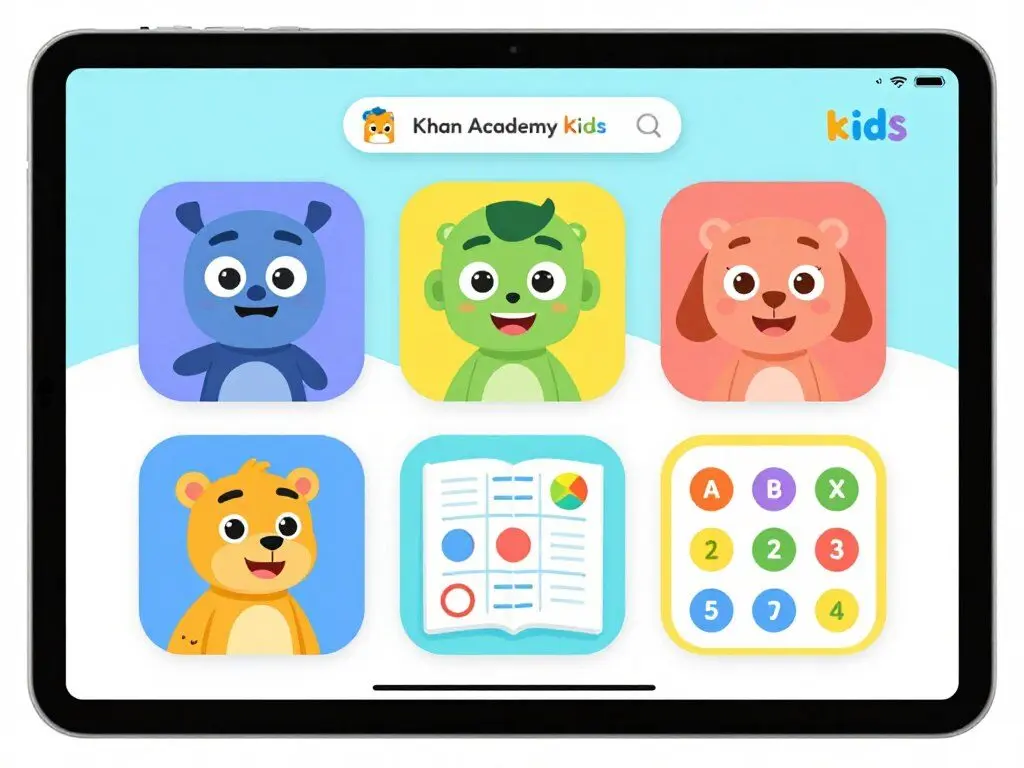
Khan Academy Kids delivers a complete early education curriculum covering literacy, math, social-emotional learning, and creative development for children ages 2-8. The app offers over 5,000 activities designed by early childhood education experts from Stanford.
The platform adapts to each child’s learning pace with personalized paths guided by five animated characters. Ollo teaches phonics, Reya focuses on writing, Peck handles numbers, and Sandy develops problem-solving skills. Children explore freely or follow structured learning sequences.
Key Features and Benefits
- Completely free with no ads or subscriptions required
- Over 5,000 educational games and activities across all subjects
- Hundreds of books from National Geographic and Bellwether Media
- Read-aloud options in English and Spanish with educational videos
- Offline learning mode for learning anywhere without internet
- Parent dashboard with detailed progress reports and insights
- Aligned with Head Start and Common Core standards
- Teacher tools for classroom implementation and student tracking
Parents appreciate the comprehensive reporting that shows which concepts their child has mastered and where additional practice might help. Teachers use the classroom features to assign specific lessons and monitor individual student progress.
Start Learning with Khan Academy Kids
Give your child access to world-class early education content designed by Stanford experts. Completely free, forever.
2. Duolingo ABC – Reading Mastery for Young Learners
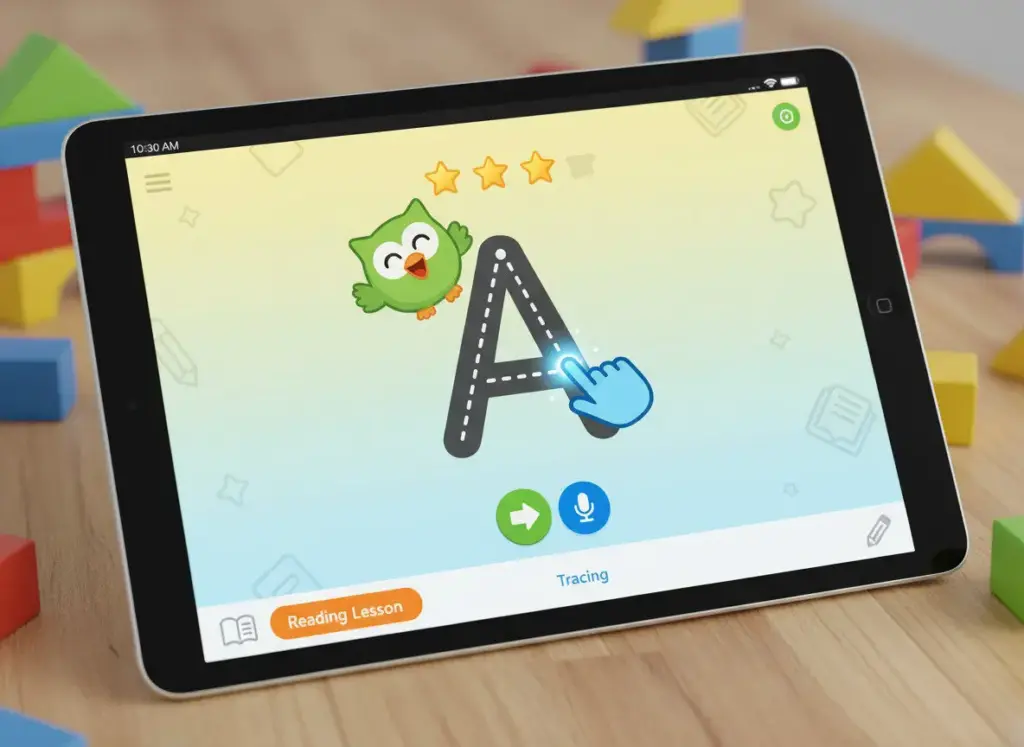
Duolingo ABC focuses specifically on teaching reading through over 300 fun lessons that progress from letter sounds to word building to reading simple stories. Created by the team behind the popular language learning app, it brings the same gamification principles to early literacy.
The app tracks progress and adapts difficulty based on performance. Bite-sized lessons last about 5 minutes each, perfect for short attention spans. Cheerful animations keep children motivated while building essential reading skills.
Key Features and Benefits
- Free comprehensive reading curriculum for ages 3-8
- 300+ lessons covering phonics, sight words, and reading comprehension
- Adaptive difficulty that matches your child’s current reading level
- Short 5-minute lessons ideal for daily practice sessions
- Engaging animations and characters that motivate continued learning
- Progress tracking shows reading skill development over time
- No ads, safe environment for independent learning
- Available on iOS and Android devices
Parents report significant reading improvement after regular use. The structured progression ensures children build strong foundational skills before advancing to more complex reading challenges.
3. Prodigy Math Game – Adventure-Based Math Practice
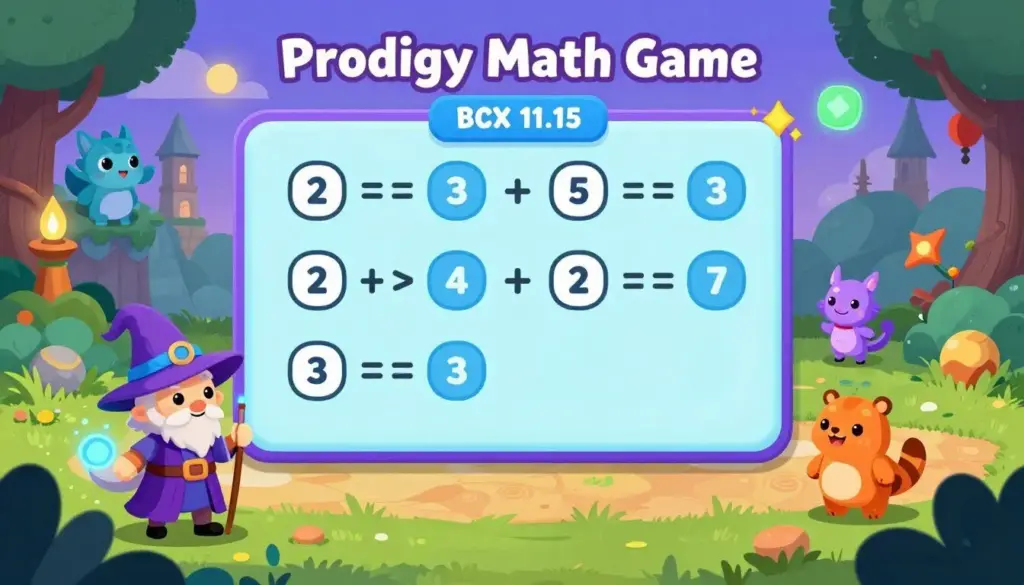
Prodigy Math Game disguises math practice as a magical adventure where children create wizard characters who cast spells by solving math problems correctly. The game automatically adjusts to your child’s level based on performance, covering curriculum-aligned content from 1st to 8th grade.
Questions adapt in real-time to provide appropriate challenges. Children rarely realize they’re practicing math as they progress through quests, battle creatures, and build their in-game world. Teachers often assign Prodigy as homework because kids willingly practice.
Key Features and Benefits
- Free access to all math content aligned with state standards
- 1,400+ curriculum-aligned math skills from grades 1-8
- Adaptive learning adjusts difficulty based on student performance
- Role-playing game format makes math practice engaging
- Detailed parent reports show progress and skill mastery
- Used by over 90 million students worldwide
- Optional premium membership adds extra game features
- Available on web, iOS, and Android platforms
The free version provides access to all educational math content. Premium membership adds extra characters, items, and game areas but doesn’t impact learning outcomes.
4. Epic! – Unlimited Digital Books for Young Readers
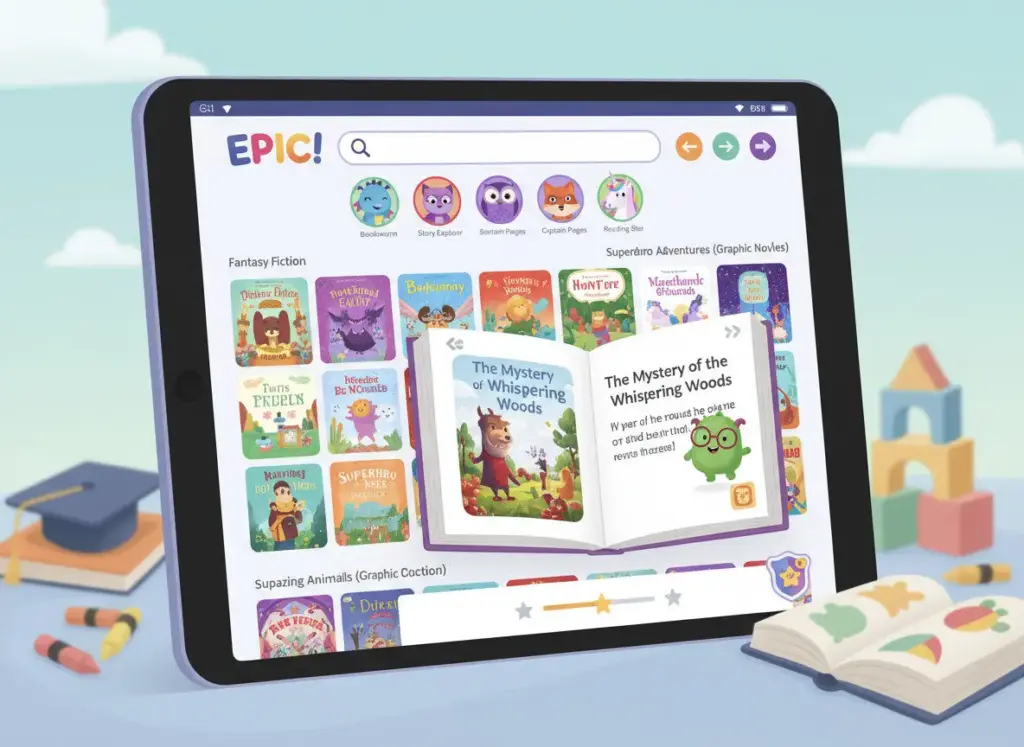
Epic provides instant access to over 40,000 books, audiobooks, and learning videos for children ages 12 and under. The digital library includes Read-To-Me books with professional voice actors and sound effects, plus downloadable content for offline reading.
Kids explore topics at their own pace with personalized recommendations based on interests and reading level. Up to four children can have customized profiles within one family account, each receiving age-appropriate suggestions.
Key Features and Benefits
- Access to 40,000+ high-quality children’s books and videos
- Read-To-Me books with professional narration and sound effects
- Audiobooks perfect for car rides and bedtime listening
- Personalized recommendations match each child’s reading level
- Offline download capability for reading without internet
- Built-in dictionary lookup and vocabulary building features
- Progress tracking dashboard for parents to monitor reading
- 260+ million reads of exclusive Epic Originals content
The parent dashboard shows what children read, allows sending kudos for achievements, and helps parents share recommended books. Epic encourages reading habit development through choice and variety.
5. ScratchJr – Visual Coding for Young Children
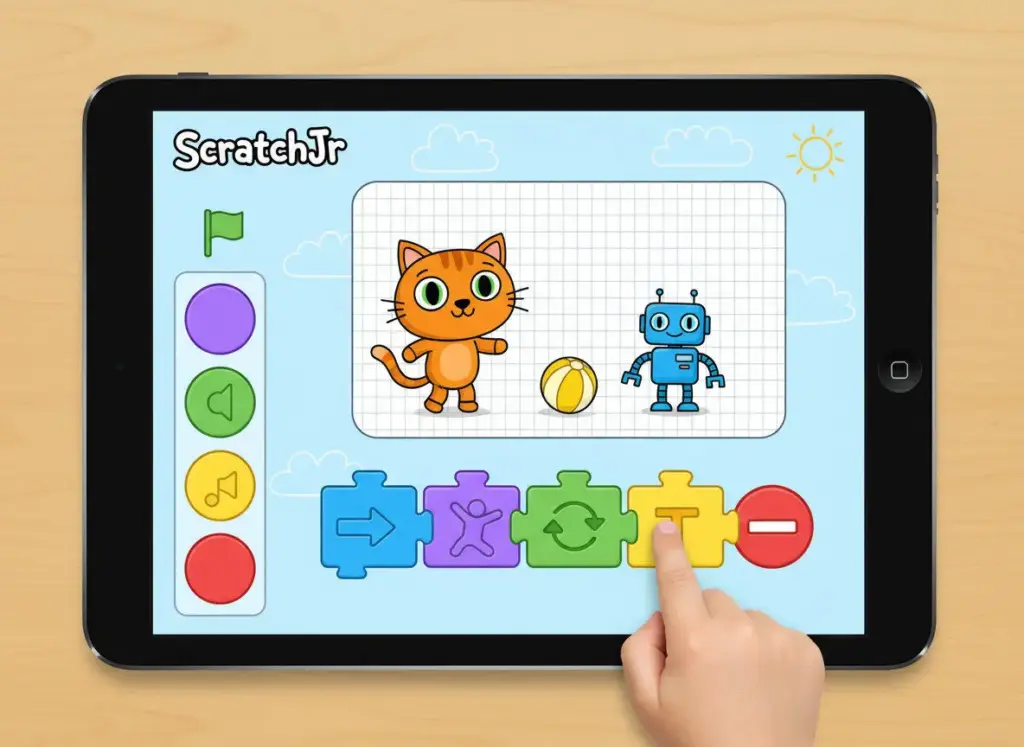
ScratchJr introduces coding concepts to children who aren’t yet reading fluently through colorful programming blocks. Kids create interactive stories and games by connecting blocks that make characters move, jump, dance, and talk.
The app teaches logical thinking and problem-solving without requiring typing or reading skills. Many parents report being amazed at the complex projects their children create after just a few sessions with ScratchJr.
Key Features and Benefits
- Free coding education for children ages 5-7
- Visual programming blocks require no reading or typing
- Creates interactive stories, animations, and games
- Develops logical thinking and problem-solving skills
- Intuitive interface designed specifically for young children
- Inspired by MIT’s Scratch programming language
- Available on iPad, Android tablets, and Chromebooks
- No account required, completely private and safe
ScratchJr builds foundational computational thinking skills that prepare children for more advanced coding languages later. The creative freedom encourages experimentation and learning through play.
Quick Comparison: Top Educational Apps by Age Group
| App Name | Best For Ages | Primary Subject | Cost | Key Strength |
| Khan Academy Kids | 2-8 | All subjects | Free | Comprehensive curriculum |
| Duolingo ABC | 3-8 | Reading & Literacy | Free | Structured reading program |
| Prodigy Math Game | 6-14 | Mathematics | Free + Premium | Gamified math practice |
| Epic! | 2-12 | Reading | Subscription | Massive book library |
| ScratchJr | 5-7 | Coding | Free | Visual programming |
| ABCmouse | 2-8 | All subjects | Subscription | Research-validated |
| Endless Alphabet | 3-6 | Vocabulary | One-time purchase | Word learning |
Get Expert App Recommendations Monthly
Subscribe to receive the latest educational app reviews, exclusive discount codes, and age-specific recommendations delivered to your inbox.
6. ABCmouse – Research-Backed Complete Curriculum
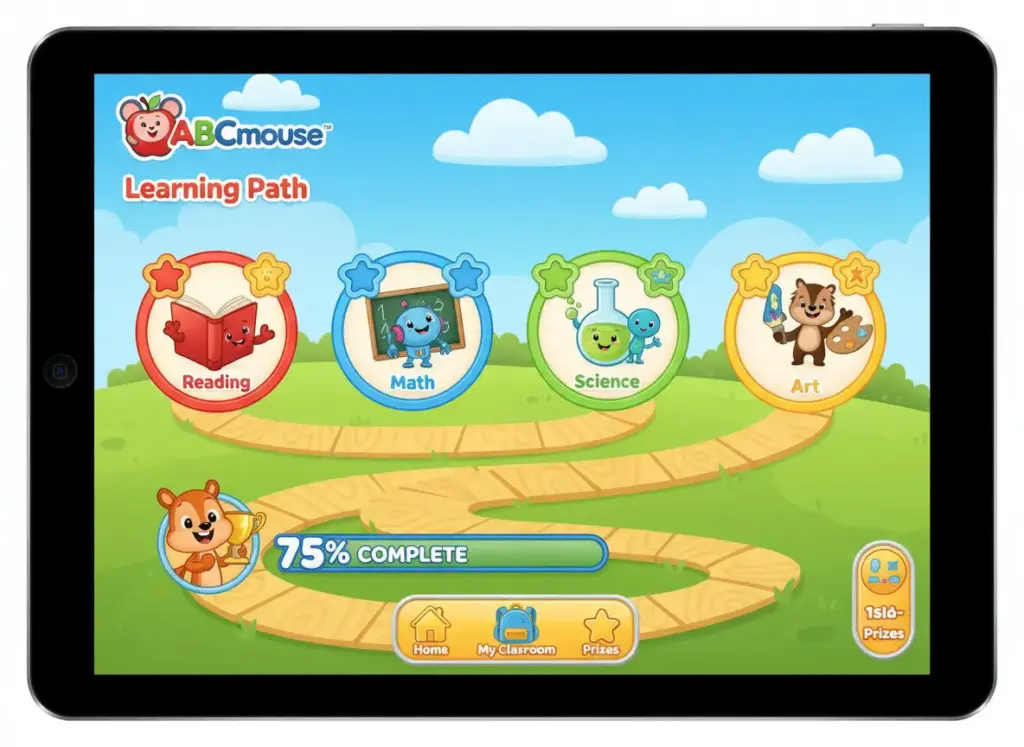
ABCmouse delivers a research-backed curriculum covering reading, math, science, art, and music for ages 2-8 through 10,000+ learning activities. The app offers custom learning paths designed by educators, with 10 levels and 850+ lessons that progress from toddler basics to second-grade skills.
Research shows ABCmouse doubles early learning gains in reading and math when kids use it at least twice weekly. The curriculum is backed by over 15 years of studies and trusted by more than 70,000 classrooms.
Key Features and Benefits
- Comprehensive curriculum covering all major subjects
- 10,000+ activities including books, games, songs, and videos
- Research-validated program backed by academic studies
- Custom learning paths designed by education experts
- 10 progressive levels ensuring kindergarten readiness
- Immersive learning worlds with interactive environments
- 900+ resources available in Spanish language
- Progress tracking across all subjects and skill areas
Children earn tickets for completing activities that they use to expand their virtual play spaces like Pet Town and Animal Safari. This reward system motivates continued engagement without creating unhealthy screen dependency.
7. Endless Alphabet – Interactive Vocabulary Builder
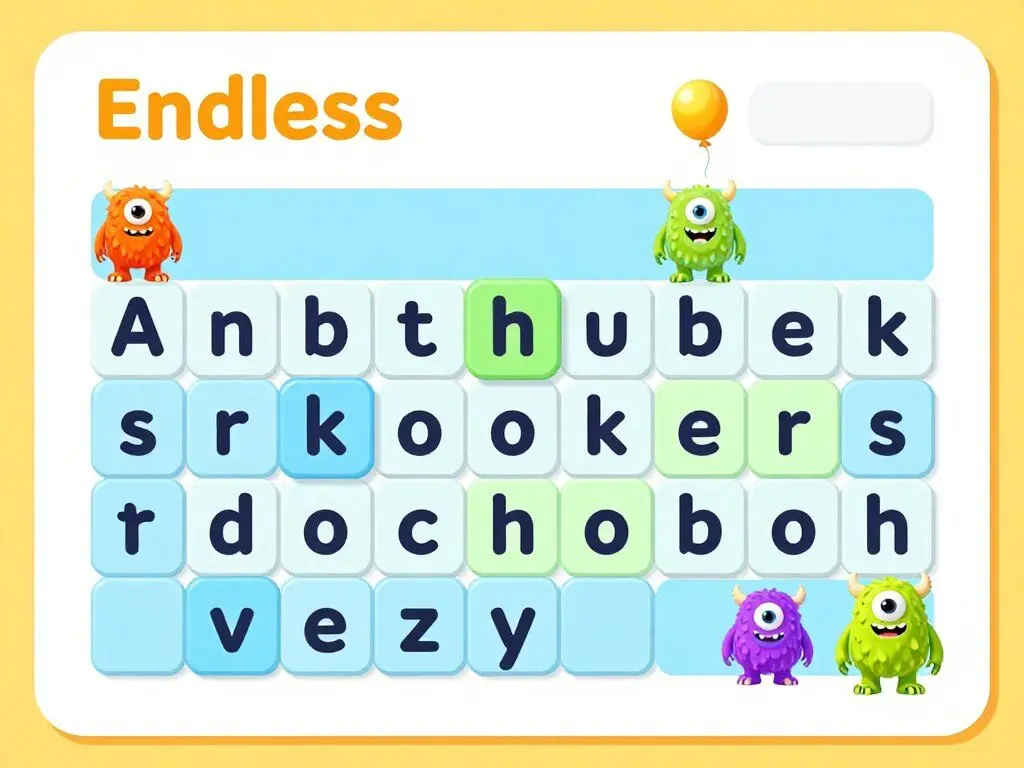
Endless Alphabet teaches vocabulary through interactive puzzles where letters transform into animated characters. Kids drag letters to complete words, then watch funny animations that demonstrate each word’s meaning.
With over 100 words ranging from simple to advanced vocabulary like “gargantuan” and “cooperate,” the app builds literacy skills beyond typical preschool apps. Children often use their new vocabulary words in conversation after memorable animations.
Key Features and Benefits
- 100+ words from simple to advanced vocabulary levels
- Interactive letter puzzles teach letter-sound connections
- Animated word definitions make meanings memorable
- Talking letters help with phonics recognition
- No time limits or pressure for stress-free learning
- Clear pronunciation for each word and letter
- Engaging for ages 3-6 years old
- One-time purchase with no subscriptions
The stress-free environment lets children learn at their own pace without scores or failures. This builds confidence while expanding vocabulary far beyond age-level expectations.
8. SplashLearn – Adaptive Math and Reading Platform
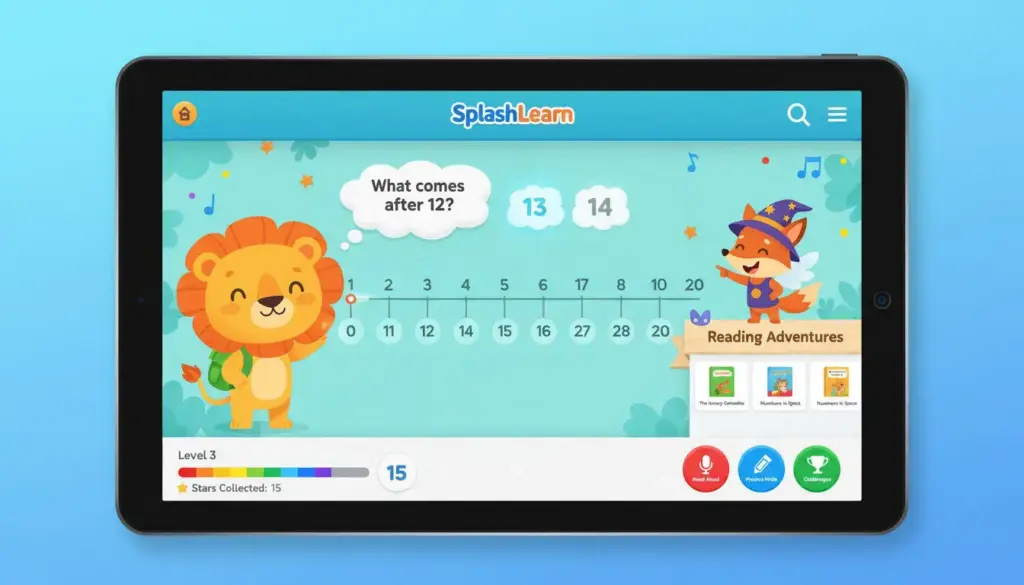
SplashLearn delivers math and reading curriculum for ages 2-11 through 4,400+ games, worksheets, decodable books, and videos aligned with Common Core standards. The app creates personalized learning paths that adapt to each child’s level.
Parents receive detailed weekly progress reports tracking mastery by subject, topic, and skill. The comprehensive resource library keeps kids engaged while eliminating the hassle of searching for appropriate learning plans.
Key Features and Benefits
- 4,400+ games and 4,500+ worksheets across math and reading
- Personalized daily milestones that adapt to learning needs
- Content spanning PreK through Grade 5
- Decodable books for early readers and bedtime stories
- Weekly progress reports with detailed skill breakdowns
- Safe learning environment without timed pressure
- Covers counting to fractions, phonics to comprehension
- Free basic access with premium subscription options
The adaptive nature ensures children always practice at the right level, not too easy to bore them or too difficult to frustrate. This maintains engagement while building genuine skills.
9. Minecraft Education Edition – Learning Through Building
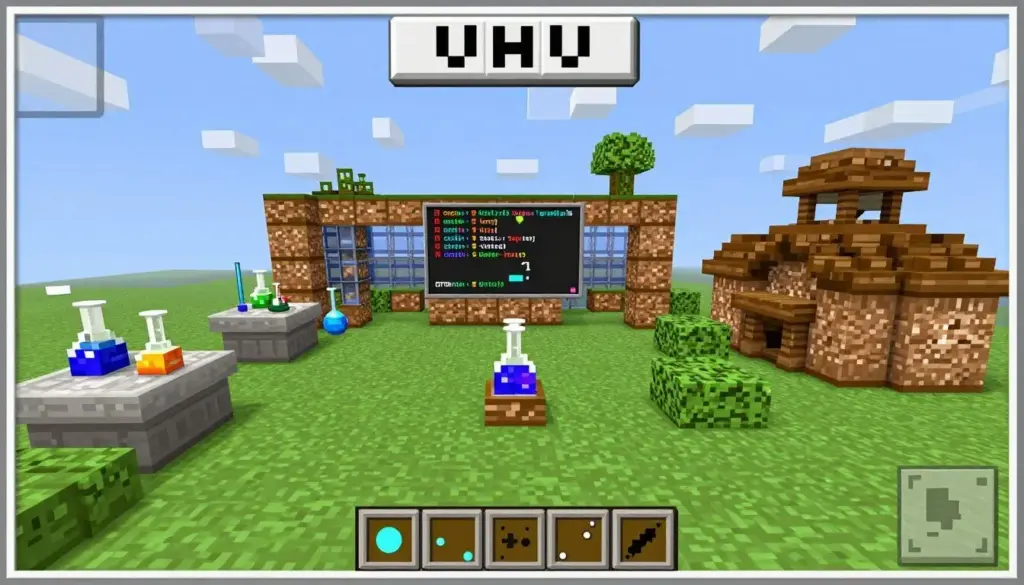
Minecraft Education Edition includes structured lessons covering subjects from history to coding to chemistry. Children explore ancient civilizations, build working electrical circuits, or learn about ocean acidification through guided activities.
The game encourages problem-solving, resource management, and creativity while connecting to academic content. Many parents prefer this version over standard Minecraft because of the educational focus and absence of combat elements.
Key Features and Benefits
- Curriculum-aligned lessons across multiple subjects
- STEM learning through building and experimentation
- Historical exploration and cultural education modules
- Coding lessons integrated into familiar Minecraft environment
- Collaboration features for group learning projects
- Safe, moderated environment designed for schools
- No combat mode focuses on creativity and learning
- Available on iOS, Android, and computers
Teachers worldwide use Minecraft Education in classrooms to teach everything from mathematics to literature. The familiar game mechanics make learning feel like play rather than work.
10. Duolingo – Gamified Language Learning
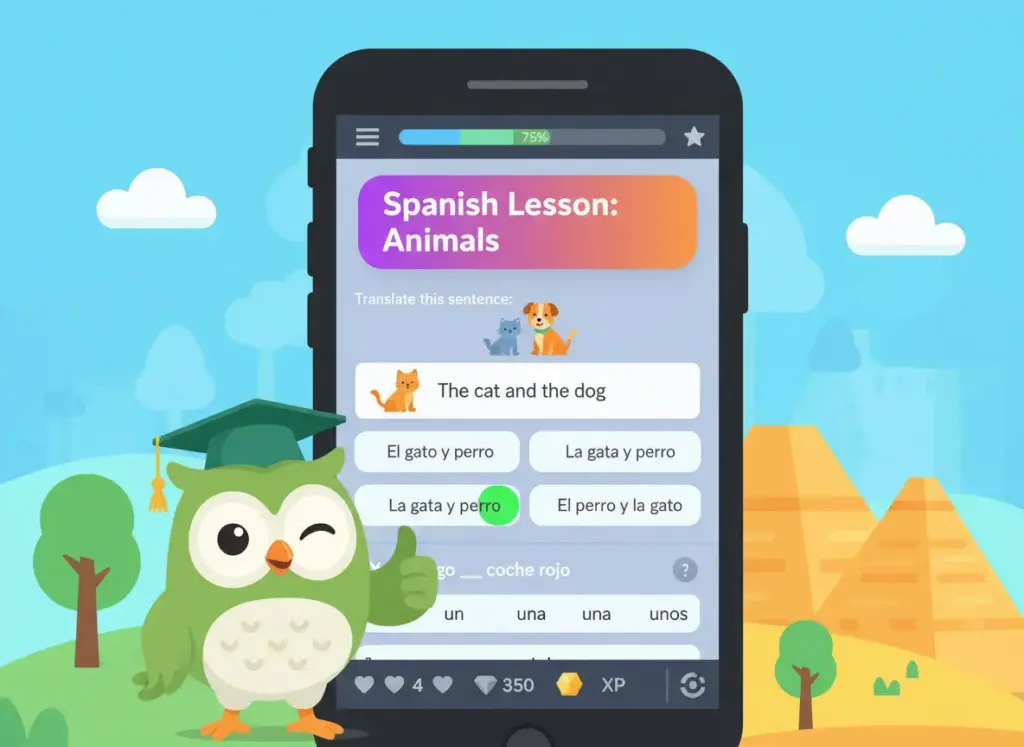
Duolingo teaches 40+ languages through bite-sized, game-like lessons that build speaking, reading, listening, and writing skills. The app uses research-backed methods combined with AI to personalize lessons at the right level and pace.
Kids earn points, unlock levels, and compete on leaderboards while learning real-world communication skills. The friendly owl mascot sends encouraging reminders to maintain daily practice habits.
Key Features and Benefits
- 40+ languages from Spanish to Japanese to Klingon
- Science-based teaching methods proven effective
- Gamified system with points and leaderboards
- AI-powered personalization for optimal learning pace
- Additional courses in Math, Music, and Chess
- Offline learning capability for practice anywhere
- Completely free with optional premium subscription
- Perfect for ages 7 and up
The bite-sized lesson format makes language learning manageable for busy families. Consistent daily practice of just 5-10 minutes shows measurable improvement in language skills.
11. BrainPOP – Animated Educational Videos
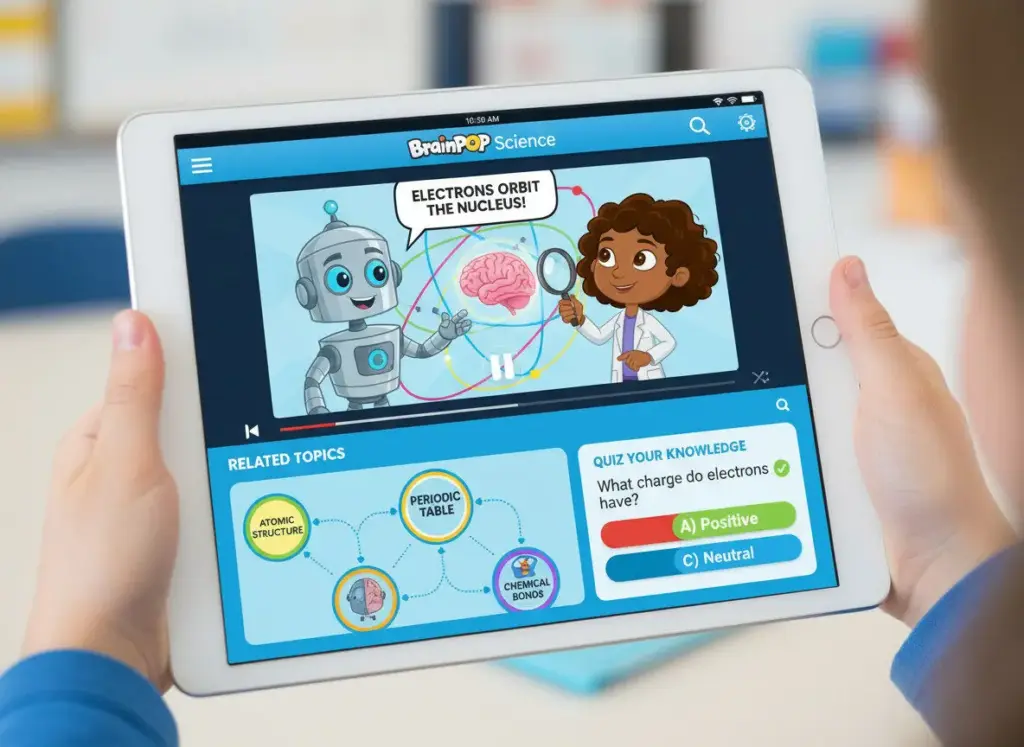
BrainPOP delivers short, engaging animated videos on hundreds of topics across science, social studies, English, math, engineering, arts, and health. Each video is followed by quizzes, concept maps, and activities that reinforce learning.
The content aligns with school curriculum standards, making it excellent for homework help or exploring interests. Many schools provide free access to students, making it worth checking before subscribing.
Key Features and Benefits
- Thousands of educational videos across all major subjects
- Curriculum-aligned content matching school standards
- Interactive quizzes test comprehension after videos
- Concept maps help visualize topic relationships
- Related activities extend learning beyond videos
- BrainPOP Jr. available for younger children
- Many schools offer free student access
- Engaging for ages 6-14 years
Teachers often reference BrainPOP videos in class discussions because the animated explanations make complex topics accessible. Students enjoy the entertaining presentation style that makes learning engaging.
12. Tynker – Creative Coding for All Ages
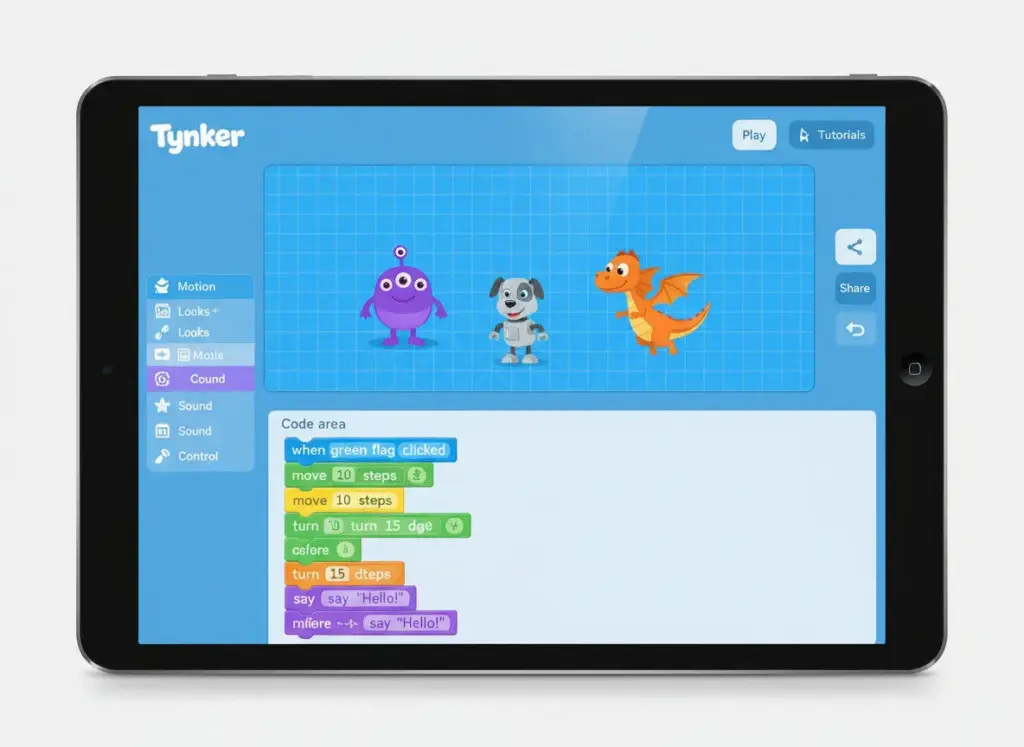
Tynker teaches coding through game creation, app development, and creative projects suitable for ages 5-17. The platform progresses from visual block coding to JavaScript and Python as skills develop.
Children build actual games, apps, and programs they can share with friends. The project-based approach teaches computational thinking while creating something tangible and fun.
Key Features and Benefits
- Complete coding curriculum from beginner to advanced
- Visual block coding transitions to text-based languages
- Create games, apps, and interactive programs
- Learn JavaScript, Python, and other programming languages
- Over 3,700 coding activities and lessons
- STEM courses in Minecraft, robotics, and more
- Safe community for sharing projects
- Used by 60 million kids worldwide
The progression from visual blocks to actual code syntax prepares children for real programming. Projects can be as simple or complex as the child’s skill level allows.
13. Starfall – Systematic Phonics and Reading
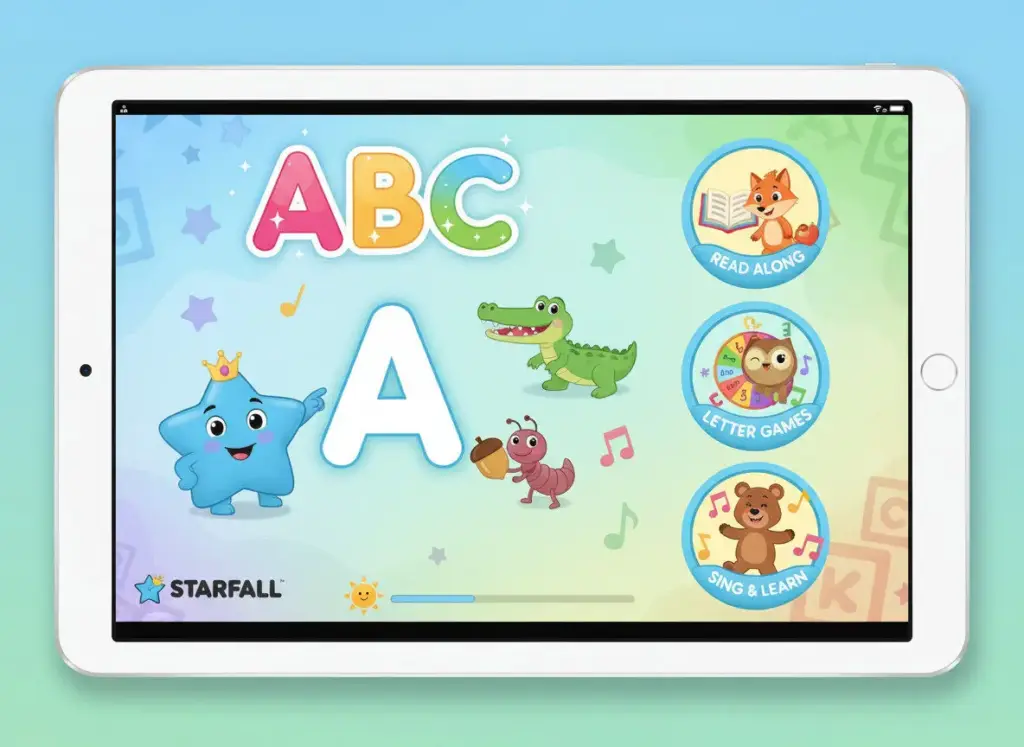
Starfall teaches reading through systematic phonics instruction combined with engaging games and songs. The program covers everything from letter recognition to fluent reading through carefully sequenced lessons.
Children explore at their own pace while building strong foundational reading skills. The bright animations and interactive activities keep young learners engaged through the sometimes tedious process of learning to read.
Key Features and Benefits
- Systematic phonics instruction for ages 3-8
- Carefully sequenced reading curriculum
- Interactive games reinforce letter-sound relationships
- Original songs make phonics memorable
- Math and music content beyond reading
- Free basic content with premium membership option
- Used successfully in schools for decades
- Available on web and mobile devices
Teachers and homeschool parents trust Starfall’s proven approach to reading instruction. The systematic method ensures children don’t skip essential foundational skills.
How to Choose the Right Apps for Your Child
Selecting appropriate educational apps requires considering your child’s specific needs, learning style, and developmental stage. Not every highly-rated app will work for every child.
Start by identifying skills your child needs to develop. Are they struggling with math facts? Look at Prodigy or SplashLearn. Need reading support? Khan Academy Kids, Duolingo ABC, or Starfall focus specifically on literacy. Want to introduce coding concepts? ScratchJr or Tynker provide age-appropriate programming education.
Age Matters More Than You Think: An app designed for 8-year-olds won’t engage a 4-year-old, no matter how educational. Similarly, a preschool app will bore an older child. Always check age recommendations and start at your child’s actual level, not their grade level.
Safety and Privacy Considerations
Before downloading any app, review its privacy policy and data collection practices. Look for COPPA compliance for apps targeting children under 13. Check whether the app collects personal information, shares data with third parties, or includes advertisements.
- Read privacy policies to understand data collection
- Look for COPPA certification and kidSAFE seals
- Check what permissions the app requests on your device
- Prefer apps with no ads or minimal advertising
- Avoid apps requiring social media login for kids
- Review community features for safety concerns
Trial Before You Buy
Many premium apps offer free trials or limited free versions. Use these to evaluate whether an app suits your child before committing to a subscription. Watch your child use the app to assess engagement level and educational value.
Notice whether your child returns to the app voluntarily or needs constant prompting. Effective educational apps create intrinsic motivation where children want to learn, not obligation where they must.
Balancing Educational Screen Time with Other Activities
Even high-quality educational apps should complement, not replace, physical play, reading physical books, and face-to-face interaction. The American Academy of Pediatrics provides guidelines for healthy screen use.
Children under 2 should avoid screen time except video chatting. Ages 2-5 need limits of one hour daily of high-quality content, preferably with parents watching alongside. Children 6 and up need consistent limits ensuring screens don’t replace sleep, physical activity, or social interaction.
Healthy Screen Time Practices
- Create tech-free zones like bedrooms and dining areas
- Set specific times for app use rather than all-day access
- Use built-in parental controls to enforce time limits
- Co-play when possible to make it connection time
- Discuss what your child learns in their apps
- Balance screen learning with hands-on activities
- Model healthy tech habits yourself
- Prioritize sleep over screen time always

Quality matters more than quantity with educational screen time. Thirty minutes with a well-designed learning app provides more value than two hours of low-quality entertainment disguised as education.
Finding Apps That Truly Support Learning
The educational apps landscape continues evolving, with new options launching regularly. The 13 apps featured in this guide represent proven tools that combine engaging content with measurable learning outcomes.
Each app addresses specific learning needs, from early literacy to advanced coding. Some excel at math practice, others focus on reading development, and several provide comprehensive curriculum coverage. The variety ensures you can find appropriate options regardless of your child’s age, interests, or learning goals.
Remember that the best learning app is one your child actually uses. An app sitting unused on your device provides zero educational value, no matter how highly rated. Start with free options or trials to discover what resonates with your child before investing in premium subscriptions.
Educational apps serve as tools, not replacements for parental involvement in learning. The most effective approach combines quality apps with engaged parents who discuss what children learn, provide encouragement, and ensure balanced screen time.
Technology continues changing how children learn. These apps represent the current best options for turning screen time into genuine learning opportunities. Regular evaluation ensures the apps you choose continue meeting your child’s evolving educational needs as they grow.
Stay Updated on Educational Technology
Join thousands of parents receiving monthly updates on the best educational apps, exclusive discount codes, and expert tips for supporting your child’s learning journey.